Your motion.
A character image.
Upload a motion reference video and a character image. Satura sends those two inputs to its Motion Control workflow, then you review the generated clip in the editor.
Motion Control is a Pro workspace option and requires an active paid Satura plan and credits. You see the credit estimate before generating.
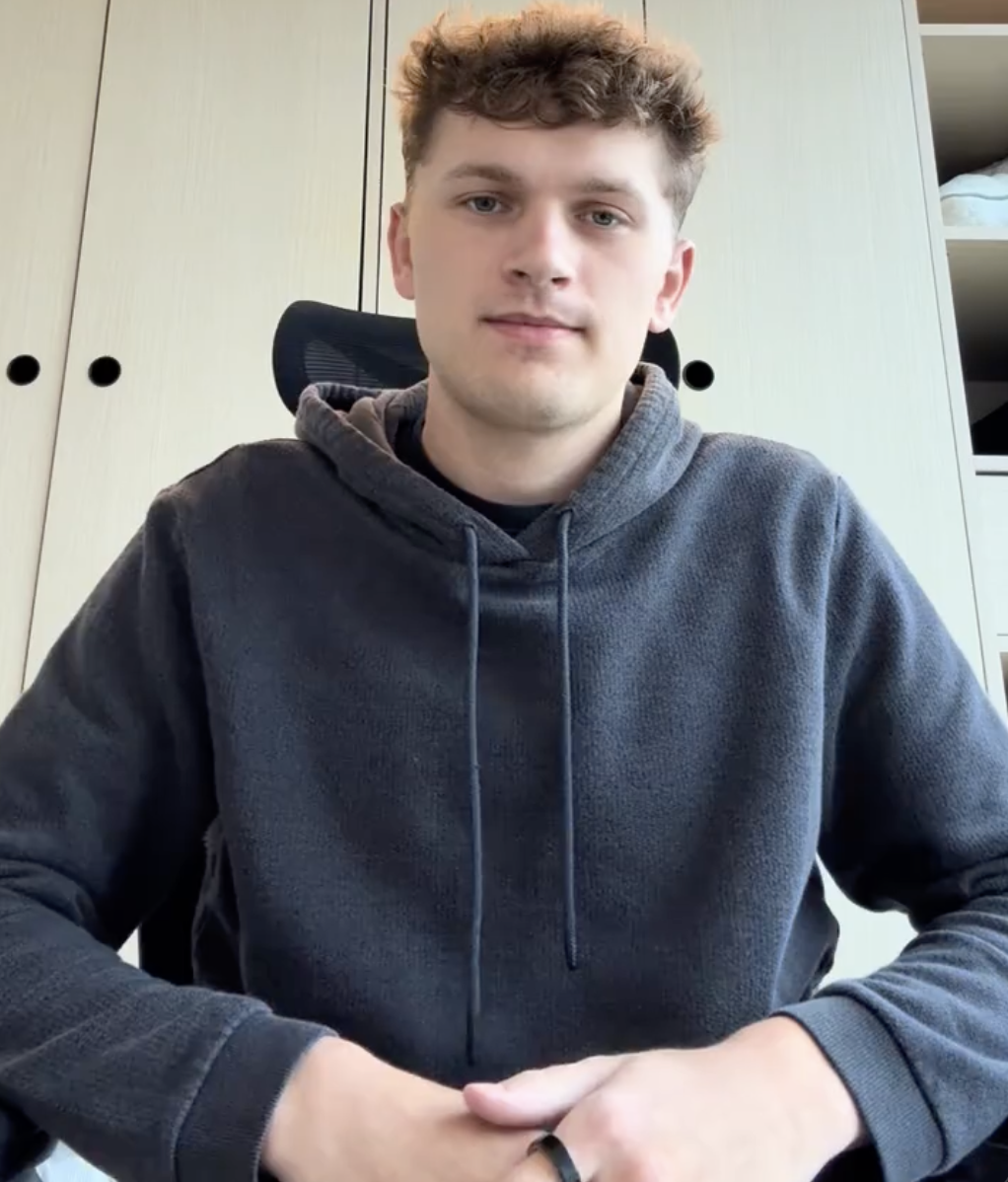
Motion video
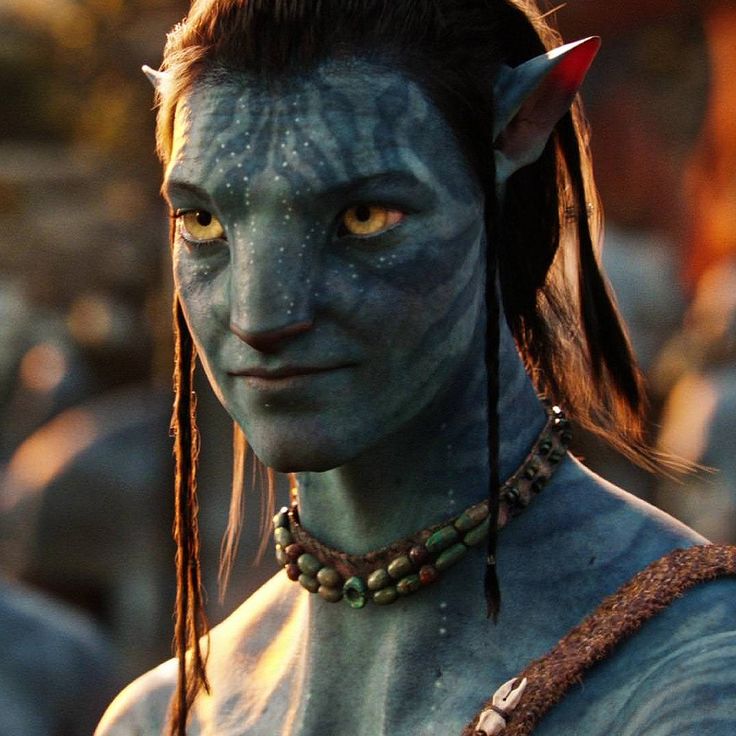
Character image
Character performing the motion
How to transfer motion to a character image
Use a reference movement and a character image. Satura uses both inputs to generate a motion-controlled draft, then opens the result in the editor.
Upload a motion reference
Use a reference video that clearly shows the source movement. Current provider limits are up to 30 seconds with Video orientation or 10 seconds with Image orientation.
Add your character
Upload an image you are authorized to use. The current provider guidance calls for a clear, unobstructed character with visible body proportions.
AI transfers the motion
Kling 2.6 Pro uses the reference video and character image to generate a motion-controlled clip for review.
Edit and export
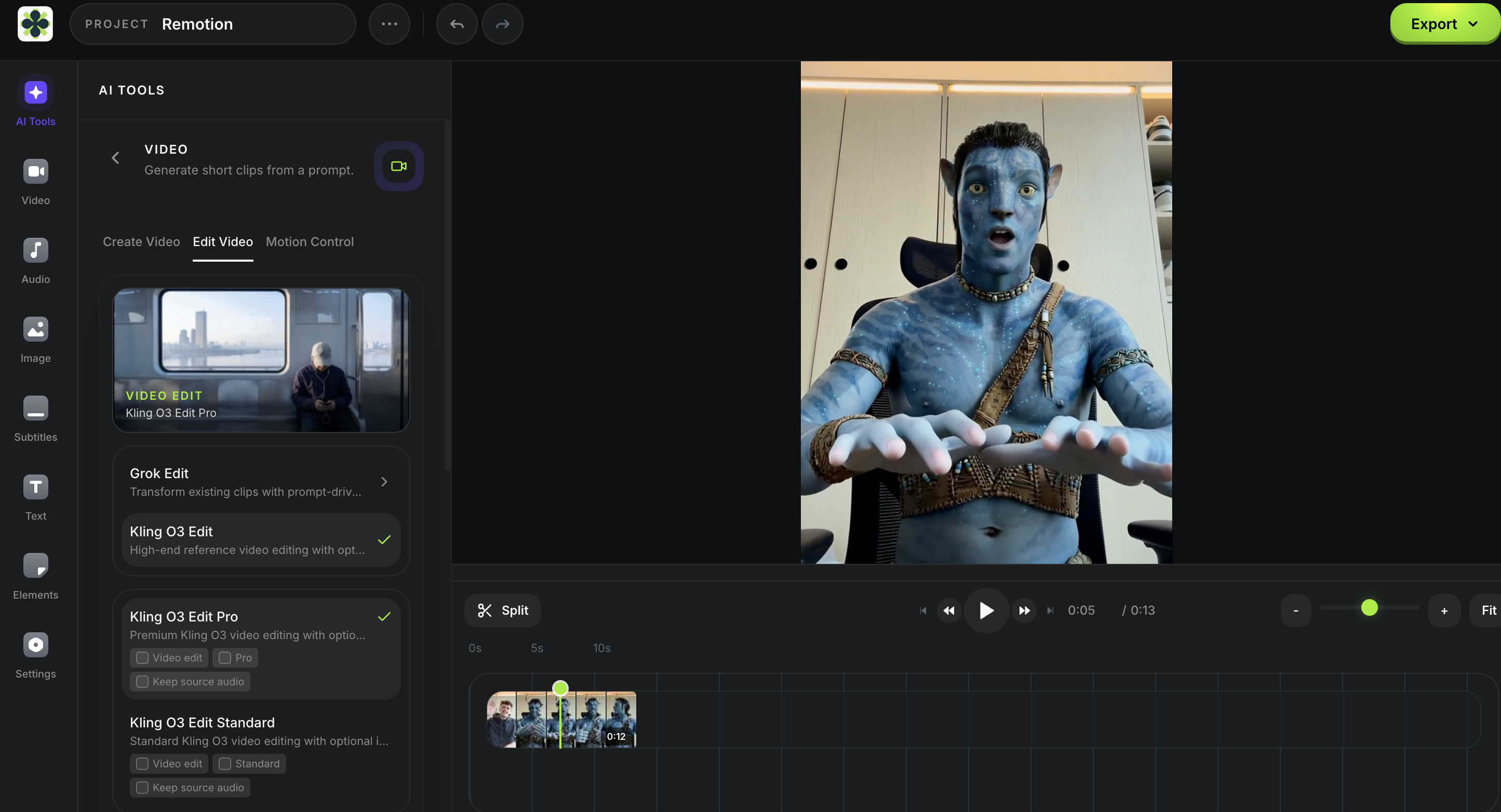
The result lands on your editor timeline. Add subtitles, music, voiceovers, and export — all in one session.
AI motion transfer workflow
Transfer reference motion, then keep editing
Start with a clear motion reference and one authorized character image, generate a draft, and review the output before finishing it with subtitles, audio, and an export.
Satura AI motion control
Use Satura's browser workspace with an authorized reference movement and character image, then review the generated draft before continuing to editing and export.
Transfer motion to a character image
Upload a clear movement reference and authorized character image, then review the generated draft against the intended production context.
Character motion control
Choose whether the reference video or character image guides orientation, decide whether to request the original sound, then inspect the generated draft before editing or export.
Set up Motion Control in the workspace.
Motion Control requires a motion-reference video and a character image. Upload both inputs after sign-in, then review the generation settings and credit estimate before submitting a request.
Motion-reference video
Required workspace input for the movement.
Character image
Required workspace input for the generated character.
- 1Sign in to open Motion Control in the AI video workspace.
- 2Upload the required motion-reference video and character image, then review the current credit estimate.
- 3Choose the available settings, generate a draft, and review it on the editor timeline.
What used to require a studio
Motion Control starts from a reference video and character image, then keeps the generated draft in the same browser workspace for review.
Reference-based workflow
Start with a motion video and character image instead of setting up a motion-capture rig.
Browser workspace
Prepare the two required inputs, generate a draft, then keep editing in Satura's workspace.
Character image input
Use a clear character image with a visible face and body, then review the generated result before publishing.
Original-sound option
Select Keep Original Sound in the workspace when the reference audio should be included in the generation request.
What creators build with Motion Control
From animating AI characters to creating dance content, review each generated draft against the intended source, character, and production context.
Character motion drafts
Use an authorized character image and movement reference to prepare an animated draft for a creator, presenter, mascot, or avatar workflow.
Bring AI characters to life
Generate a character with the AI Image Generator, then use Motion Control to create a motion-controlled draft for a presenter, mascot, or avatar workflow.
Brand character drafts
Prepare a motion-transfer draft for an authorized brand character or mascot, then review the generated clip before adding it to a finished edit.
Educational motion references
Use a clear movement reference and authorized character image to prepare a reviewable visual draft for an educational production workflow.
Entertainment character drafts
Use a permitted reference video and character image to prepare a motion-controlled draft for a gaming, avatar, or entertainment workflow.
Music & dance content
Use a choreography reference and character image to create a dance draft, then review it before adding it to a finished video.
Animate, edit, publish —
one workspace
The animated output lands directly on your editor timeline. From there, add subtitles, layer voiceovers, combine with other footage, and export a finished video. Motion Control is one step in a complete creative pipeline.
- Result appears on your timeline automatically
- Combine with AI-generated images and video clips
- Add AI voiceovers and subtitles in the same session
- Pair with Background Remover for compositing
- Review the final timeline before export
Frequently asked questions
Official source
Verify the current motion-control input rules
Provider controls and limits can change. Check the current source before relying on an input, orientation, duration, sound, or output interpretation for a particular project.
More tools for creators
Move an authorized character and reference through the next generation, editing, caption, audio, or selected-video review decision.
AI Video Generator
In the signed-in paid workspace, review current model inputs, settings, and a credit estimate for authorized material, then inspect the completed draft.
AI Video Editor
Use the signed-in browser timeline with one low- or medium-quality export per day, up to 10 per month; review the paid-plan and credit estimate before prompt or generated-video work.
AI Image Generator
Use an authorized visual brief in the signed-in paid workspace, choose a supported ratio, then inspect the generated PNG draft before using it as a Motion Control input.
Quick Subtitles
Choose a source video in the signed-in paid workspace, review a credit estimate, then inspect wording and timing in the generated caption draft before rendering.
AI Voiceovers
Sign in to preview current voices, review the paid-plan credit estimate, then inspect generated audio in the editor before continuing.
Background Remover
Select one video clip in the signed-in paid editor, review the credit estimate, then inspect the generated result before compositing or export.
Reference motion. Character image. One workspace.
Upload a motion video and a character image, review the generated draft, then finish it in Satura's editor.
Open Motion Control