AI image generator for YouTube.
Thumbnails, covers, and video assets.
Create thumbnail concepts, Shorts covers, backgrounds, B-roll stills, and characters from a text prompt with Satura's AI image generator for YouTube. Generate with Imagen 4, add text or animation in the editor, and save the result as an editor asset for a video project.
Image generation uses credits and requires an active paid Satura plan.
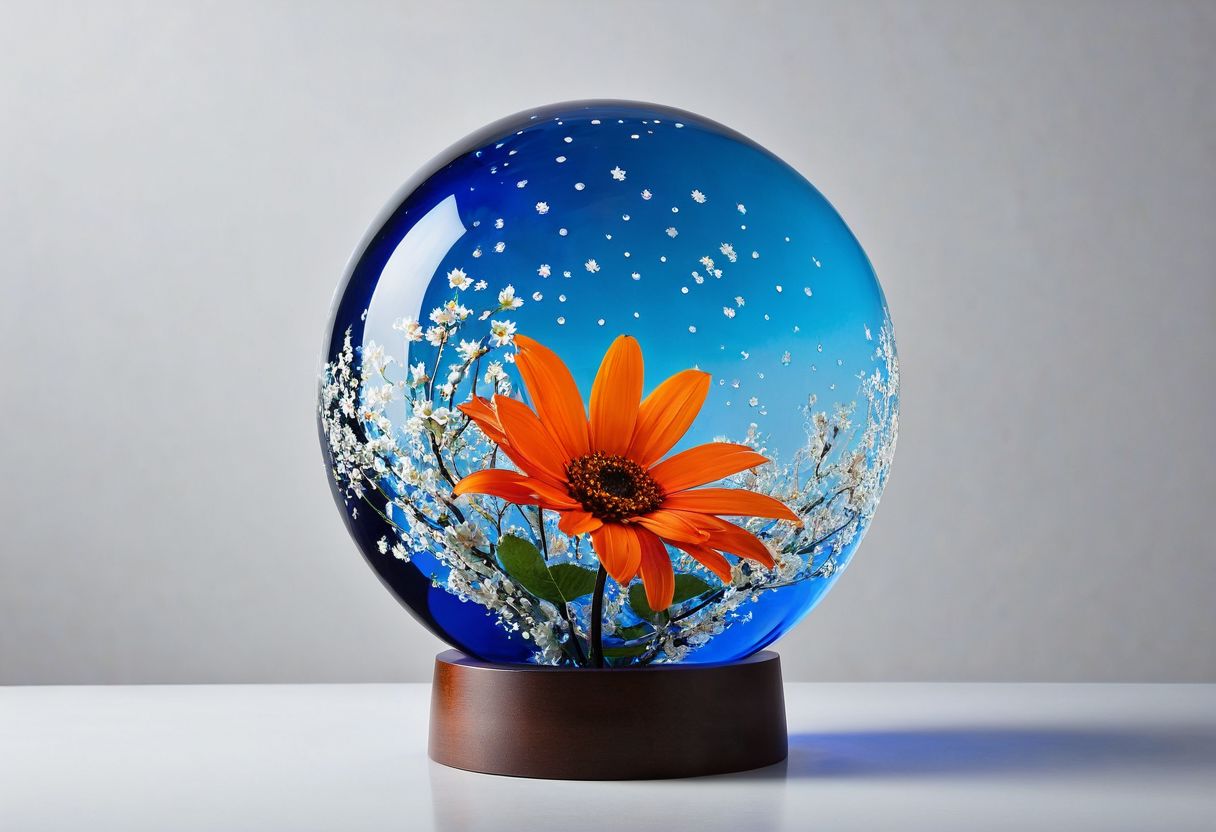
Photorealistic
Studio product shot of a glass orb with floral detail and crisp reflections
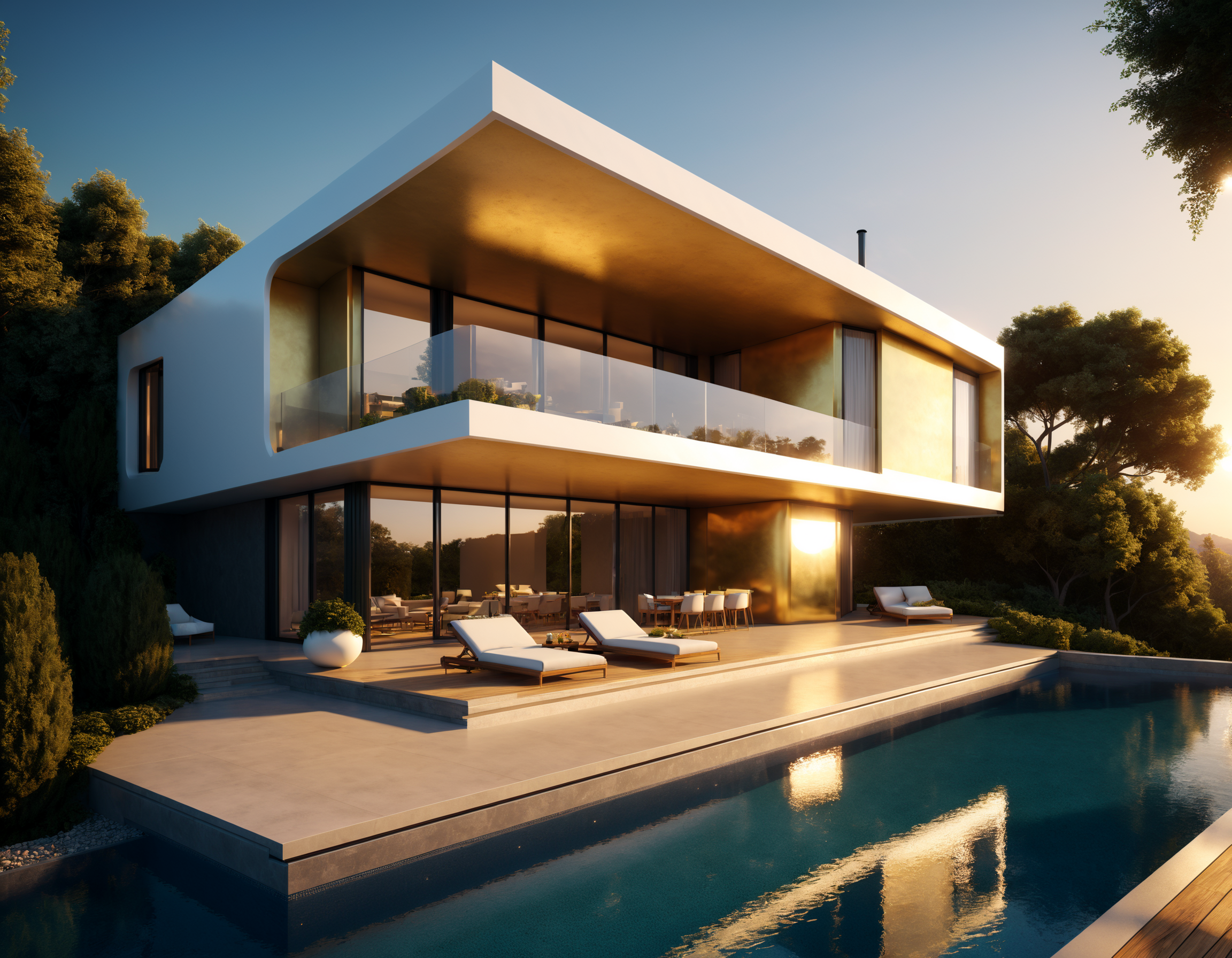
Architecture
Modern luxury villa at golden hour with clean geometry and poolside reflections
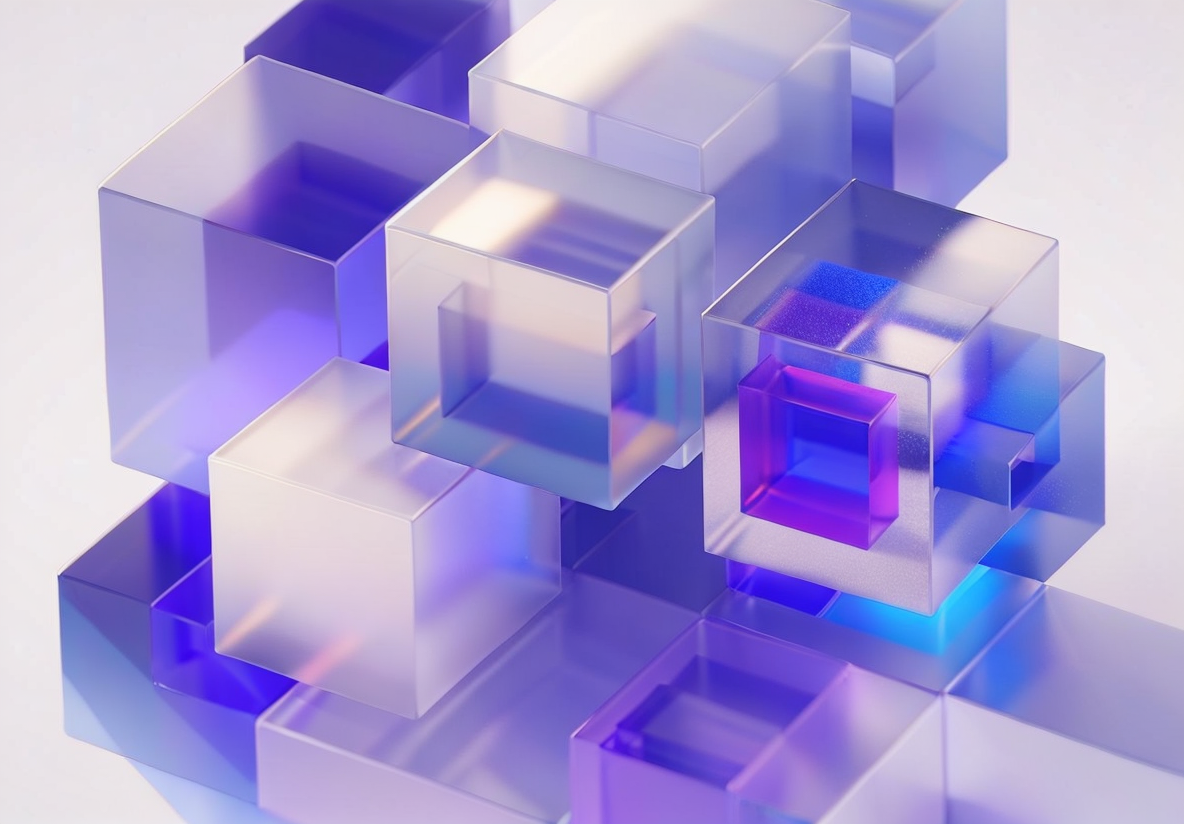
3D Render
Translucent cube composition with soft gradients and violet-blue glow
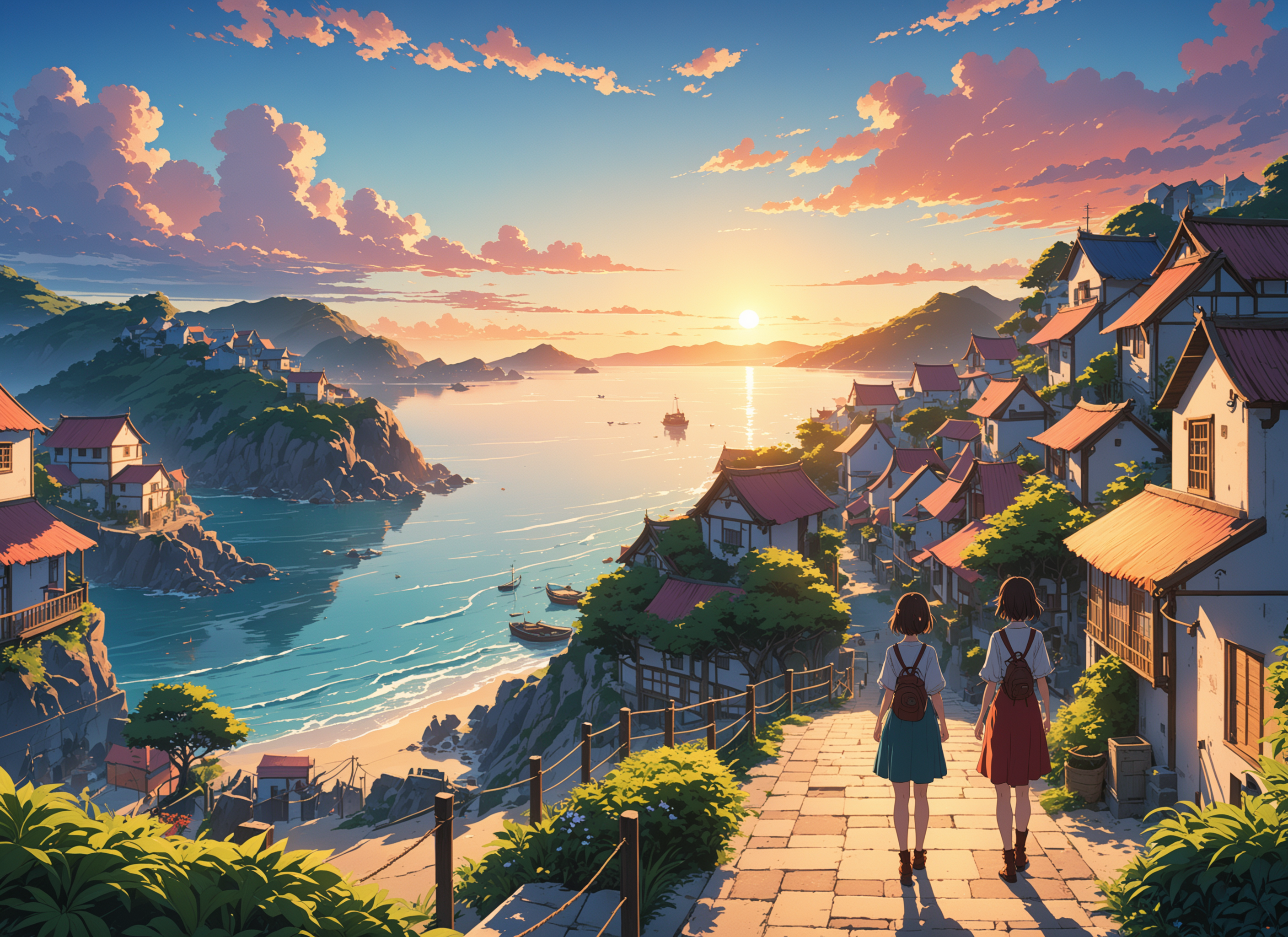
Cinematic
Anime-inspired coastal sunset scene with layered depth and storybook color

Automotive
Performance car in a snowy landscape with crisp detail and sunrise lighting
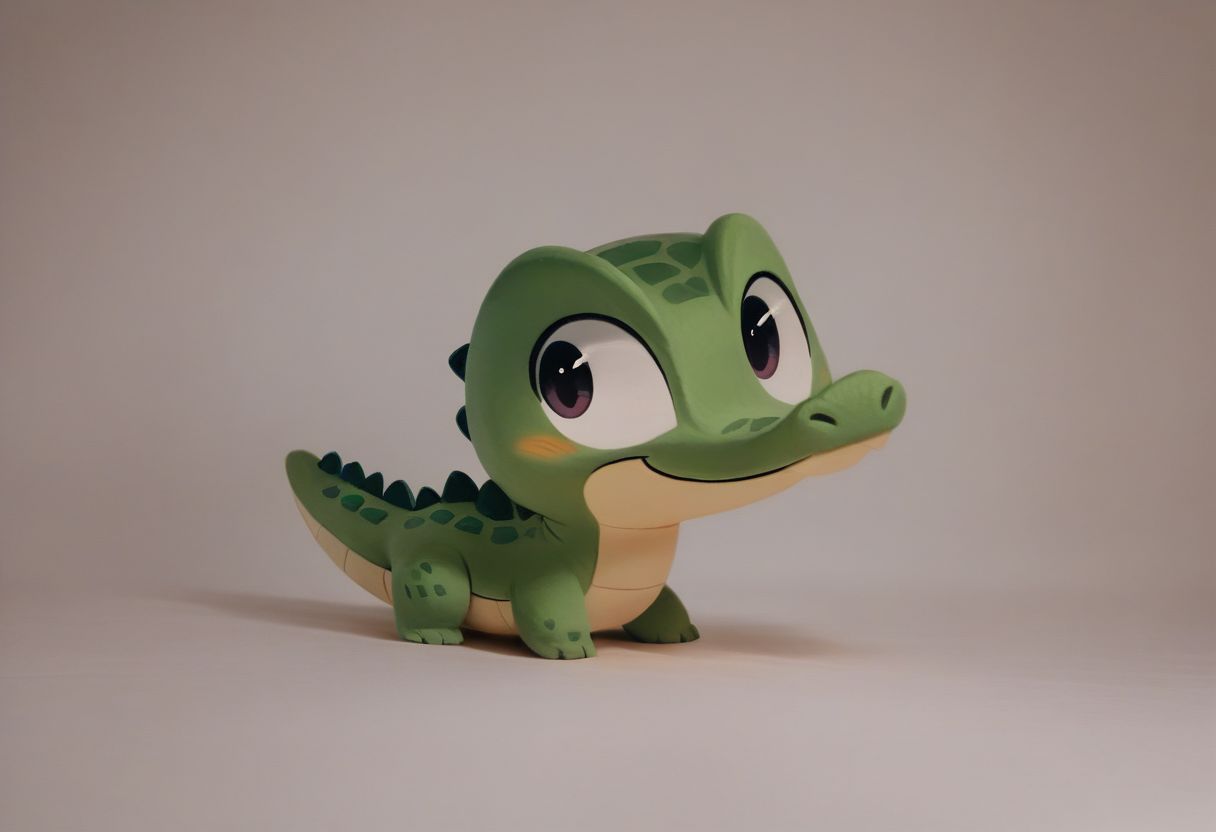
Character Design
Cute stylized 3D mascot on a clean studio background with soft lighting
Product, architecture, 3D geometry, cinematic scenes, automotive, and character prompt examples.
Direct answer
What is an AI image generator for YouTube?
An AI image generator for YouTube creates visual assets from text prompts, including thumbnail concepts, Shorts covers, characters, backgrounds, and B-roll stills. In Satura, those images land inside the video editor so you can add text, animate the asset, or place it directly on a timeline.
YouTube thumbnail image
16:9
Generate the main visual, then add text, crop, or score the final concept in Satura's thumbnail workflow.
Shorts, Reels, or TikTok cover
9:16
Create a vertical cover that matches the video hook, then place it beside captions, clips, and motion assets.
Character or mascot asset
1:1 or 2:3
Create a reusable character, presenter, or product visual, then animate it with image-to-video or Motion Control.
Background or B-roll still
16:9 or 4:3
Generate scene-setting visuals, explainer frames, or topic examples that can sit directly on the video timeline.
If you only need thumbnail scoring and improvement, use AI Thumbnails. If the image needs to become motion, send it into AI Video Generator.
Creator image workflow
AI images for YouTube thumbnails, covers, and video assets
Use Satura as an AI image generator for YouTube when you need visuals that move directly into production. Generate a thumbnail concept, Shorts cover, character, product mockup, or background, then edit, animate, and export it without rebuilding the asset in another app.
Creator image assets
Create thumbnail concepts, background frames, visual examples, channel graphics, and B-roll stills for YouTube video projects.
Thumbnail concept setup
Generate 16:9 thumbnail concepts from a prompt, then add text overlays, crop, score, or send the idea into Satura's dedicated AI Thumbnails workflow.
AI character and scene assets
Generate mascots, presenters, product mockups, illustrated characters, or scene backgrounds, then animate them with image-to-video or Motion Control.
Production path
Build an image ready for a creator project
The image workspace is a production step, not a publishing decision. Use a clear visual brief, then inspect the generated asset before the next edit, animation, or packaging step.
Set the visual purpose
Choose whether the image is for a thumbnail concept, cover, character, background, B-roll still, or social graphic.
Match the intended use to the next creator workflow before you generate.
Write the visual brief
Describe the subject, composition, setting, lighting, and details that the project needs.
Use only prompts and source material you are authorized to use.
Choose the format
Select one of the nine supported aspect ratios before generation.
Check the crop and composition against the destination after generation.
Generate one draft
Use the signed-in image workspace to create one PNG from the chosen prompt and aspect ratio.
Inspect faces, hands, text, logos, and factual details before using the result.
Continue in the project
Save the approved image as an editor asset, then add text, animate it, or place it on a timeline.
Review the final asset and its rights context before publishing or commercial use.
Open the image-generation workspace
Sign in, write a prompt, choose an aspect ratio, and save the generated image as an editor asset.
Prompt, aspect ratio, and output review
Magic Prompt and image generation require sign-in. Image generation uses credits and requires an active paid Satura plan.
Not just a generator — a creative workspace
Generate an image, save it as an editor asset, and use it in the same project as your video work.
Saves as an editor asset
After generation, the workspace saves the image as an editor asset that you can add to a project.
Use in an editor project
Use the image alongside clips, text overlays, captions, voiceovers, and music in the editor.
Continue with image-to-video
Use a generated image as a starting point for a separate image-to-video workflow when motion is needed.
Magic Prompt
Improve a signed-in prompt with added visual detail, then review the revised text before generation.
9 aspect ratios
Choose from nine supported aspect ratios, including landscape, square, and vertical formats, before generation.
Imagen 4 workflow
Satura's image-generation endpoint uses an Imagen 4 model variant for prompt-to-image output.
What creators build with it
From thumbnails to social graphics to animated sequences — every image starts as a prompt and ends as part of your content.
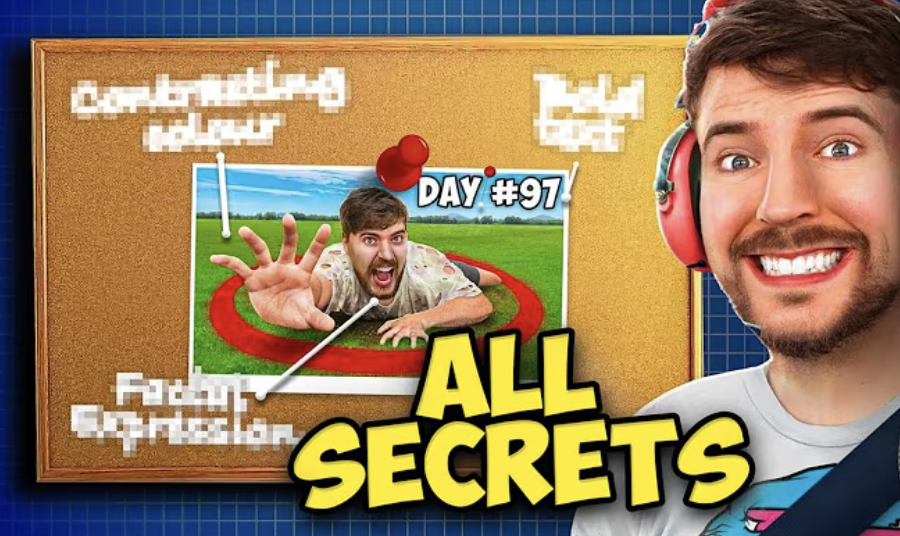
YouTube Thumbnails
Generate 16:9 thumbnail concepts, then add text, crop, or place the selected image in an editor project.
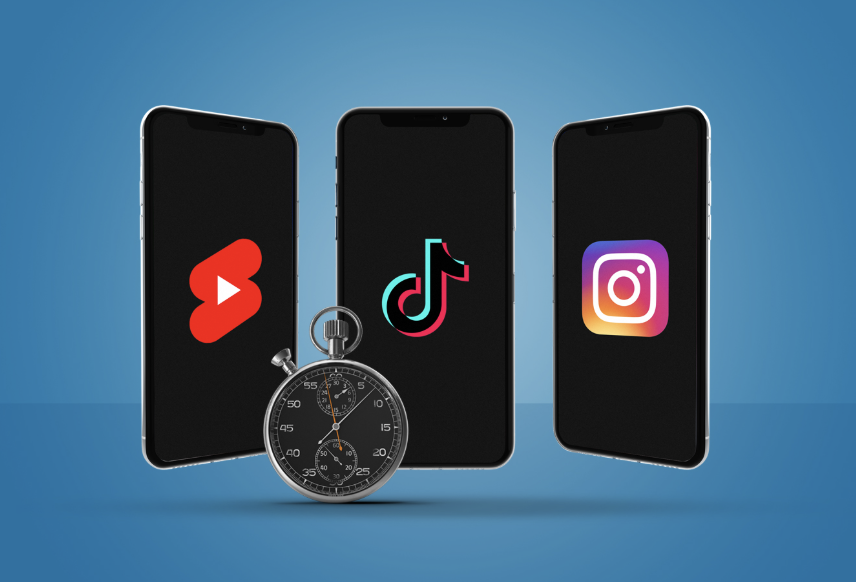
Short-Form Covers
Create 9:16 cover images for Shorts, Reels, and TikToks. Stand out in feeds with AI-generated visuals that match your content's energy and aesthetic.
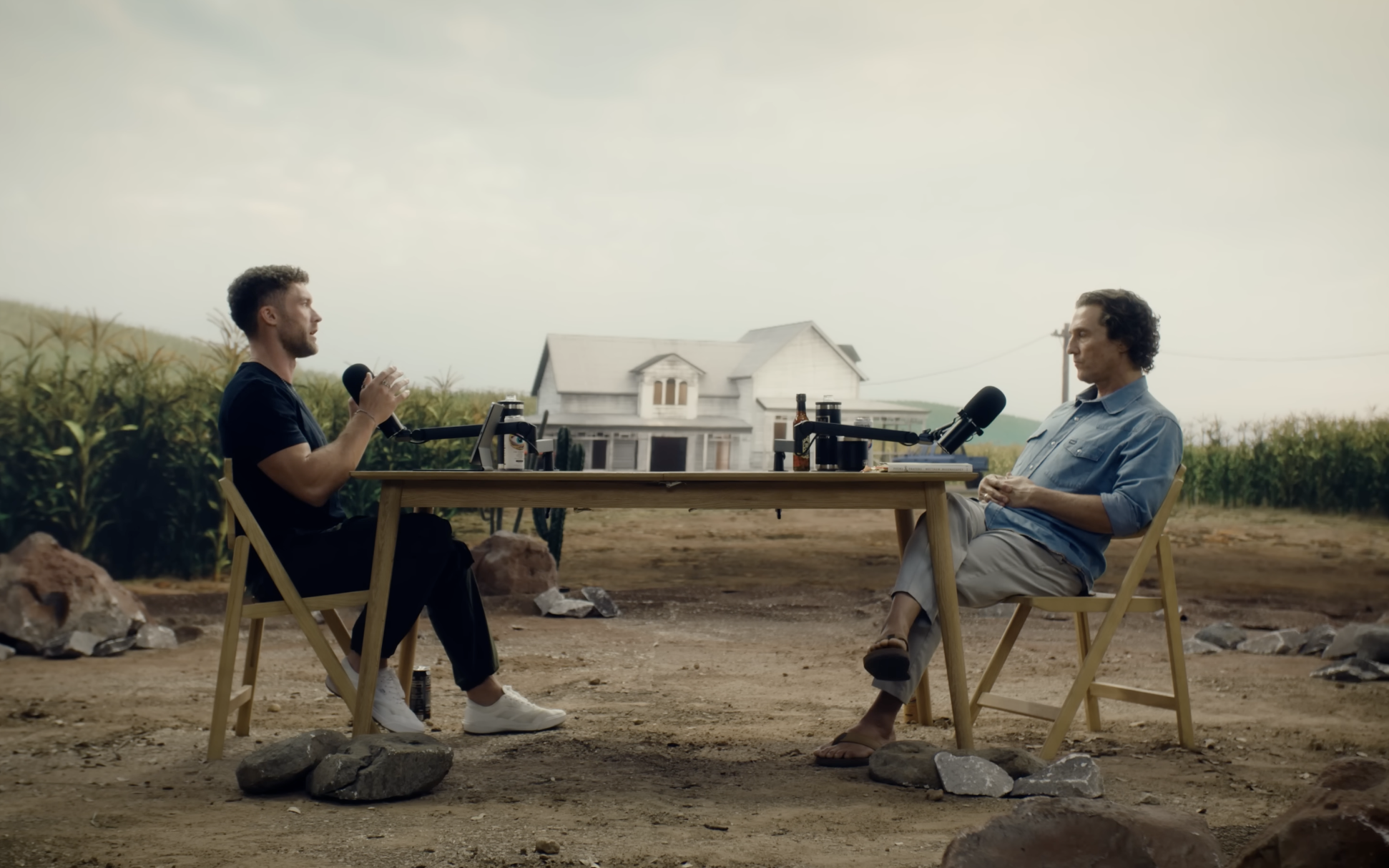
Video Backgrounds
Generate custom backgrounds for talking-head videos, podcasts, and presentations. Drop them on your timeline as static frames or animate them with image-to-video.
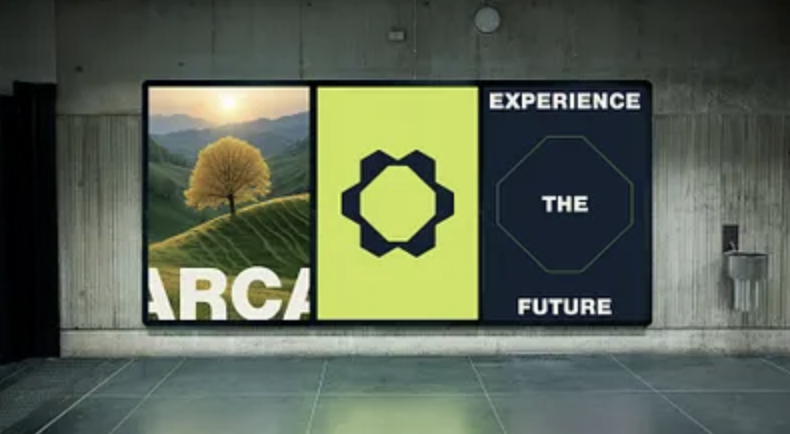
Social Media Graphics
Create 1:1 square graphics for Instagram, Twitter, and LinkedIn. Perfect for quote cards, announcements, and promotional posts alongside your video content.
Imagen 4 image generation
with an editor handoff
Satura's image-generation endpoint uses an Imagen 4 model variant. Enter a prompt, choose one of the supported aspect ratios, and generate a PNG image for an editor project.
AI image output can vary by prompt and subject. Review faces, hands, text, logos, and factual details before publishing or using an image commercially.
Magic Prompt can expand a signed-in prompt with visual detail. Review the expanded text and choose the final prompt yourself.
Prompt and aspect-ratio input
Enter a text prompt and choose a supported output format.
One image per generation
The current generation endpoint requests a single PNG image.
Magic Prompt
Enhance and review a signed-in prompt before you generate.
Editor asset handoff
Save a generated image as an asset for use in an editor project.
Thumbnail concepts
Use a 16:9 image as a starting point for upload packaging.
Output review
Inspect the final image before publishing or commercial use.
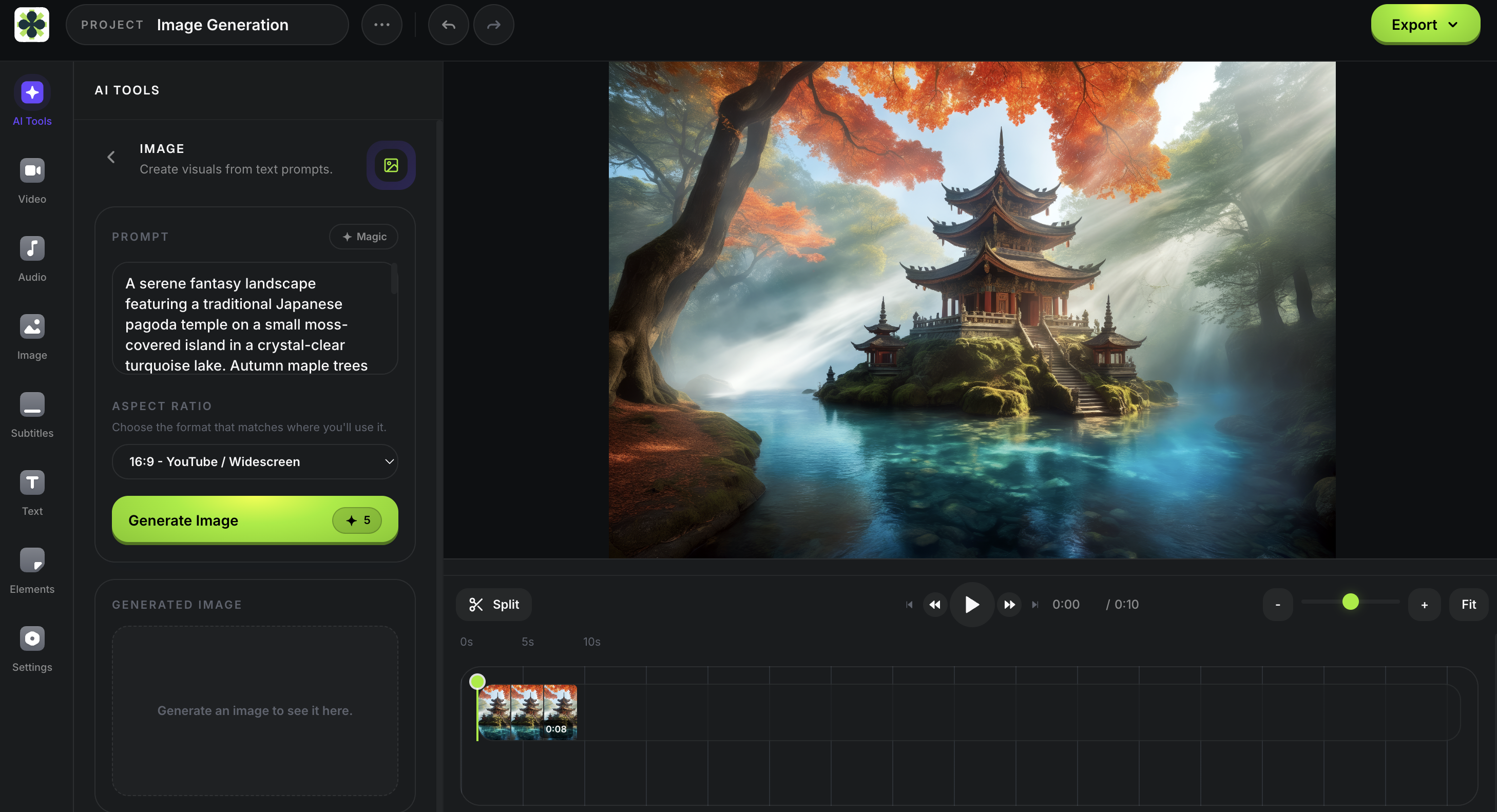
Generate, place, and publish
in one session
The image generator lives inside the same editor where you build videos. Generate an image, save it as an editor asset, add it to a project, and combine it with text overlays, video, captions, or voiceover.
You can also use a still as the starting point for a separate image-to-video workflow. Review each generated image and any later video output before publishing.
- Save generated images as editor assets
- Use as thumbnail concepts, backgrounds, overlays, or B-roll stills
- Continue with a separate image-to-video workflow
- Review editor export options for your account plan
Need a thumbnail concept fast?
Describe a thumbnail concept, generate an image, and add text in the editor. If you want analysis, revisions, Personas, and reference-image workflows, use AI Thumbnails.
Describe concept
Generate image
Add text overlay
Add to project
Frequently asked questions
More tools for creators
AI Image Generation is one piece of Satura's creative toolkit. Explore everything built to help you create, edit, and grow.
Image to Video AI
Use a permitted image in the signed-in paid workspace, review current model settings and a credit estimate, then inspect the generated clip before continuing on the timeline.
AI Video Generator
In the signed-in paid workspace, review current model inputs, settings, and a credit estimate for authorized material, then inspect the completed draft.
AI Thumbnails
Use a permitted prompt or reference in the signed-in paid workspace, review the credit estimate, then inspect the generated or revised thumbnail and its pre-publish score before publishing.
Quick Subtitles
Select a source video in the signed-in paid workspace, review the credit estimate, then inspect wording and timing in the generated caption draft before rendering.
AutoClip
Start a permitted source session on an active paid plan, review suggested clips, then confirm the 30-credit download quote for a rendered clip.
AI Growth Coach
Sign in, connect and select a YouTube channel, then use credits on an active paid plan to review available context and test the next-upload hypothesis in YouTube Studio.
Background Remover
Select one video clip in the signed-in paid editor, review the credit estimate, then inspect the generated result before compositing or export.
From a sentence to an image asset
Describe the visual you need, choose an aspect ratio, generate it, and review the result in your editor project.
Sign In To Generate