About Satura AI
What is Satura AI?
Satura is an all-in-one AI video creation, browser editing, and YouTube growth platform for creators, faceless channel operators, agencies, and teams. People also search for it as Satura AI, SaturaAI, and saturaai.com.
Read first-party reviews, results, and tradeoffs
Direct answer
Satura combines AI generation, timeline editing, subtitles, thumbnails, clipping, channel analytics, and YouTube growth workflows in one browser workspace.
Brand search answer
Satura, Satura AI, and SaturaAI mean the same product
The short brand is Satura. Satura AI is the common search phrase for the platform because the product includes AI video, image, voiceover, caption, thumbnail, clipping, and growth tools for YouTube creators.
Satura
Satura is the AI video creation, editing, and YouTube growth platform at saturaai.com.
Satura AI
Satura AI is another common name for Satura, especially when people search for its AI video, editing, thumbnail, caption, and YouTube growth tools.
SaturaAI
SaturaAI and Satura AI refer to the same platform. The official site is saturaai.com.
SaturaAI.com
SaturaAI.com is the official website for Satura, the AI creator workflow platform.
Satura app
The Satura app runs in the browser, so creators can open the platform from saturaai.com without installing a desktop video editor.
Satura YouTube
Satura YouTube searches usually refer to Satura's YouTube creator tools for video generation, editing, captions, thumbnails, TrustScore, clipping, and growth workflows.
Satura AI tool
Satura is not one isolated tool. It is a connected tool suite for creator research, generation, editing, packaging, repurposing, analytics, and growth.
What the platform does
Satura covers the creator workflow from idea to performance review
Create video assets
Generate videos, images, voiceovers, scripts, hooks, thumbnails, and supporting visuals for YouTube workflows.
Edit in the browser
Cut footage, add captions, layer audio, reframe clips, and export without moving projects between separate apps.
Repurpose long videos
Turn podcasts, webinars, streams, tutorials, and long YouTube uploads into reviewable Shorts, Reels, and TikTok clips.
Improve channel decisions
Use TrustScore, Creative Library, Clip Finder, and retention tools to decide what to fix and what to publish next.
Tool map
Which Satura workflow should you open first?
Searchers often land on Satura with a specific job in mind: make a video, repurpose a long recording, improve packaging, or diagnose why a channel is not growing. These are the fastest starting points.
Make a YouTube video
AI Video Generator, AI Images, AI Voiceovers, Free Video Editor
Make Shorts from long content
AutoClip, Quick Subtitles, YouTube Shorts Video Editor
Improve packaging
AI Thumbnails, Thumbnail Analyzer, Title Generator, CTR Calculator
Find better topics
Creative Library, Clip Finder, Video Curation Tools, AI Growth Coach
Diagnose channel health
Satura AI TrustScore, Virality Lab, retention checks, growth recommendations
Product previews
Built for the parts of YouTube production that slow teams down
Satura is strongest when a creator needs connected work: source a clip, create or edit the asset, add captions, package the upload, and learn from the result without rebuilding the workflow in separate tools.

AutoClip
TrustScore
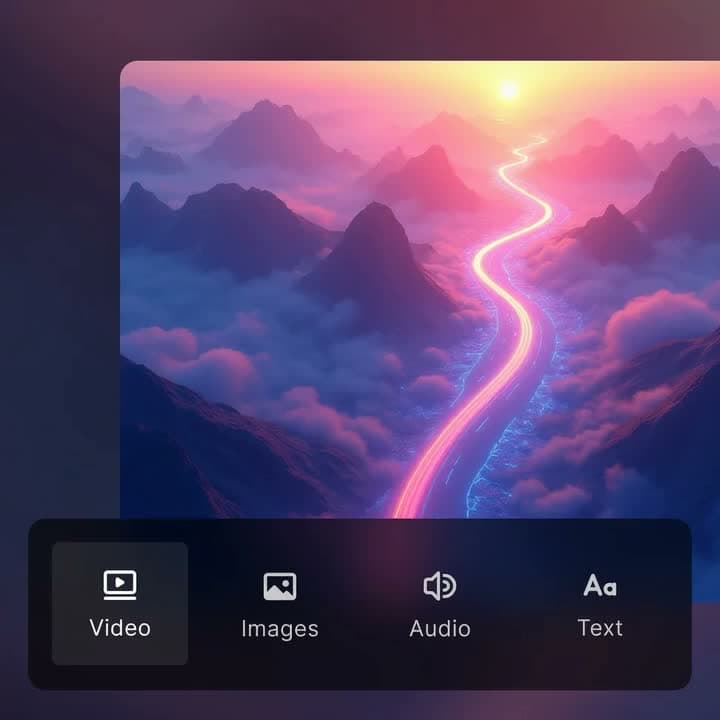
AI video editor
Browse the core Satura tool set
Short answers about Satura
What is Satura AI?
Satura AI is an all-in-one AI video creation, browser editing, and YouTube growth platform for creators, faceless channel operators, agencies, and teams. It brings research, generation, editing, captions, thumbnails, clipping, analytics, and growth tools into one workflow.
Is Satura the same as Satura AI?
Yes. Satura, Satura AI, SaturaAI, and saturaai.com refer to the same creator platform. The short brand name is Satura, while Satura AI is the phrase many people use when searching for the product.
Who is Satura for?
Satura is built for YouTube creators, Shorts teams, faceless channel operators, editors, agencies, and creator-led businesses that want one place to research ideas, create assets, edit videos, package uploads, and learn from performance.
What tools are included in Satura?
Satura includes AI video generation, browser video editing, subtitles, voiceovers, thumbnails, AutoClip, Clip Finder, Creative Library, TrustScore, retention analysis, YouTube calculators, and metadata tools.
Is there a Satura app?
Yes. The Satura app is a browser-based workspace at saturaai.com, so creators can open the editor, AI tools, captions, thumbnails, clipping, and growth workflows without installing desktop software.
What does Satura YouTube mean?
Satura YouTube usually means Satura's tool suite for YouTube creators: AI video generation, editing, captions, thumbnails, TrustScore, Clip Finder, calculators, and growth workflows.
Is Satura only for YouTube Shorts?
No. Satura supports Shorts, long-form YouTube videos, podcasts, webinars, tutorials, social clips, ads, and repurposed creator content. Shorts are a major workflow, but the platform covers the full creator production loop.
Where should I start in Satura?
Start with the tools directory if you want to browse everything, AutoClip if you already have long footage, the Free Video Editor if you need a browser timeline, or TrustScore if you want to diagnose a YouTube channel before creating more content.