What is the quick answer?
Find the perfect brand guidelines template for your channel. We review 10 options and show you how to turn your brand book into video assets with Satura AI.
Key takeaways
- 1. Canva
- Why Canva works for creator teams
- 2. Adobe Express
- Where Adobe Express wins
- 3. FigJam (Figma)
- Best use case for FigJam
Overview
A creator I know had solid edits, strong ideas, and decent thumbnails. But every upload looked like it came from a different channel. One week it was bold neon text, the next it was muted minimalism, and the captions sounded like three different people wrote them.
Your brand isn't a logo. It's a system. Ever see a creator whose content you can spot from a mile away? That's not an accident. It's a system. Too many creators treat branding like a one-time task: design a logo, pick some colors, and call it a day. But a weak, inconsistent brand is a growth killer. It makes your content forgettable and confuses the algorithm about who your audience is. This guide gives you more than a list of templates. It shows you how to build a recognizable identity, then turn it into a production-ready workflow so every thumbnail, caption, and edit pulls in the same direction. If you're also building revenue layers around your audience, this guide on how to create merch people want is worth reading alongside your visual system.
1. Canva
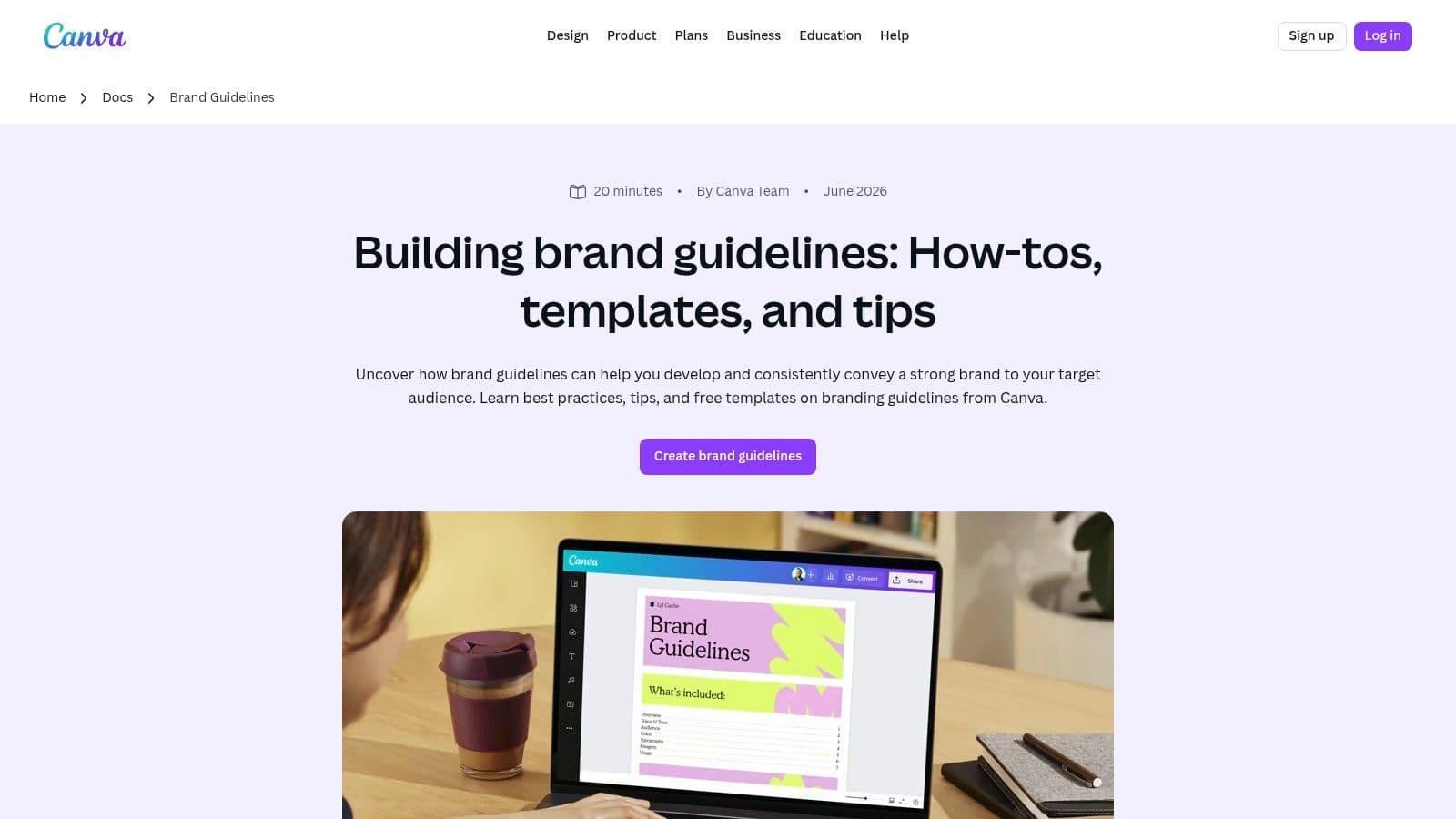
Canva is the fastest option on this list for getting a usable brand guidelines template into circulation. If your thumbnails, community posts, shorts promos, and sponsor slides already live in Canva, keeping the guide there removes friction immediately.
The platform gives you ready-made brand guideline layouts in Docs and presentation formats, plus Brand Kit controls for logos, fonts, and colors. That matters because a scalable template can reduce asset production time by an average of 30 to 45% when brand rules are standardized, according to Azarian Growth Agency's write-up on scalable guideline systems. For creators, that translates into fewer thumbnail revisions and less back-and-forth on simple design tasks.
Why Canva works for creator teams
What I like most here is the handoff speed. A strategist can set the rules, an editor can open the file, and a thumbnail designer can work from the same visual language without waiting for a PDF buried in Drive.
For implementation, document your thumbnail text styles, lower-third colors, caption treatments, and sponsor frame layouts in the same Canva ecosystem where the assets get made. If you want supporting creator software around that workflow, Satura's tools directory is a practical place to compare what to plug in next.
Practical rule: If your team already designs in Canva, don't move your brand system somewhere "more official" unless the current setup is breaking.
The trade-off is governance. Canva is excellent for speed, but if you need heavy approval logic or stricter template locking across a larger team, it starts to feel lighter than purpose-built brand management platforms. Still, for creators, that's often a feature, not a bug.
Direct tool link: Canva brand guidelines templates
- Fast setup: Canva's template library is strong enough that you don't start from a blank page.
- Easy distribution: Share links and PDF exports make approvals simple.
- Good fit for solo brands: A one-page guide often works well for small teams, while bigger creator businesses usually need a multi-page brand book with more context.
2. Adobe Express
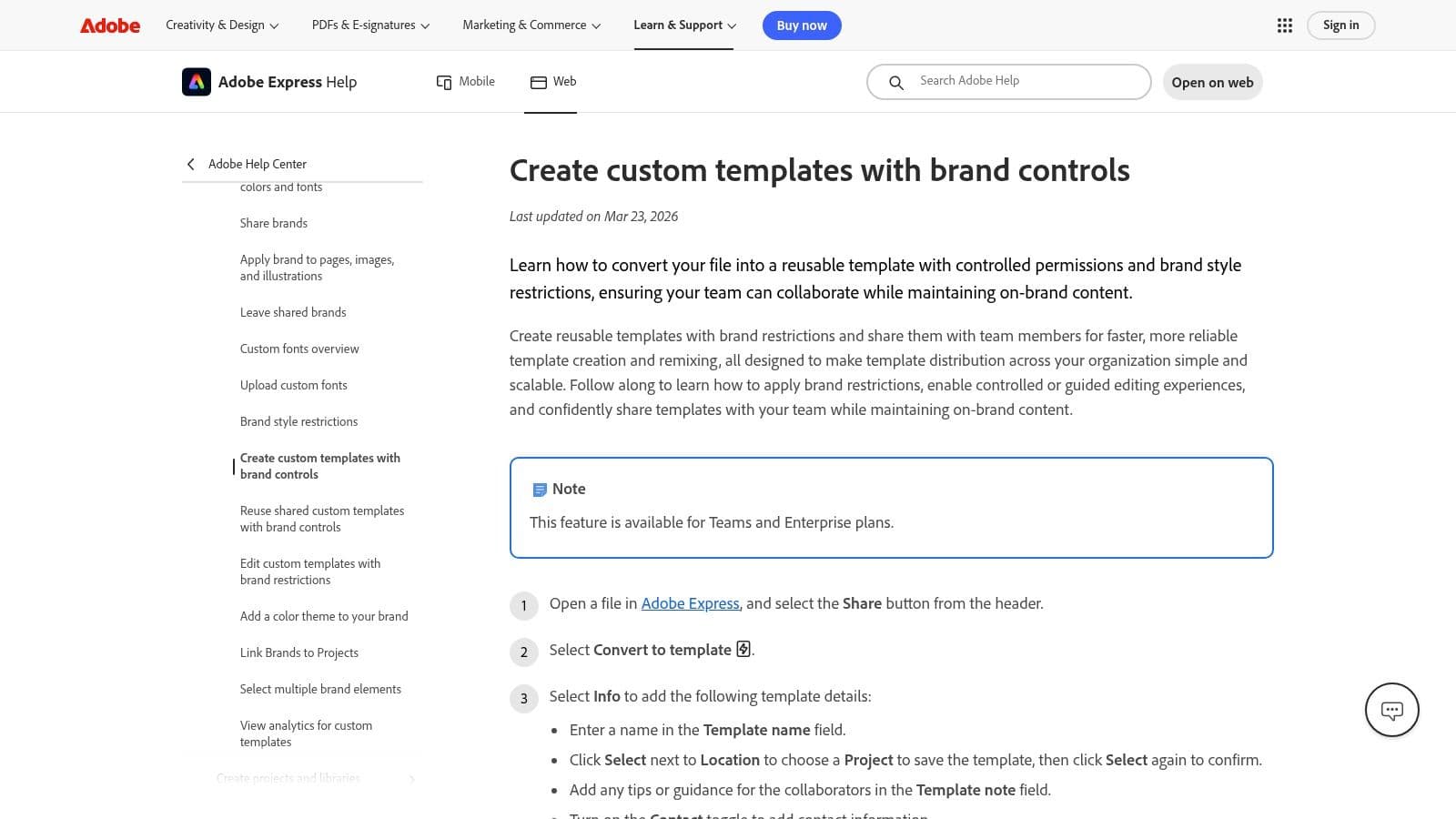
Adobe Express sits in a useful middle ground. It's not as loose as Canva, and it's not as heavy as a full enterprise platform. If you want branded templates that other people can edit without wrecking core visual elements, this is one of the better options.
Its Brand Kit handles colors, fonts, and logos, and the template control features make it easier to distribute repeatable assets. That's valuable when your workflow includes recurring formats like weekly YouTube thumbnails, sponsor shoutout frames, or short-form cover slides.
Where Adobe Express wins
Adobe Express is strong when your brand guide needs to do more than explain rules. It needs to enforce them. That's especially important when multiple freelancers are producing assets under one channel identity.
A few implementation details matter here:
This is also a smart pairing with thumbnail workflows. When your visual identity is documented first, AI image generation becomes far more usable because prompts can reference actual brand colors, typography hierarchy, and composition rules. That's where a tool like Satura's AI image workflow becomes more effective. The brand guide gives the prompt system a real brief instead of vague taste.
The downside is setup overhead. Adobe Express usually takes a bit more thought than a simple doc-based template, and some useful controls sit behind paid access. But if your problem is "people keep editing the wrong thing," Adobe Express gives you more protection than most beginner-friendly options.
Direct tool link: Adobe Express brand template controls
- Template restrictions: Helpful for locking down recurring layouts.
- Adobe ecosystem handoff: If your editor moves between Express, Photoshop, and Premiere assets, the workflow feels natural.
- AI-assisted asset generation: Useful when you need quick concept variations that still stay inside an established visual lane.
3. FigJam (Figma)
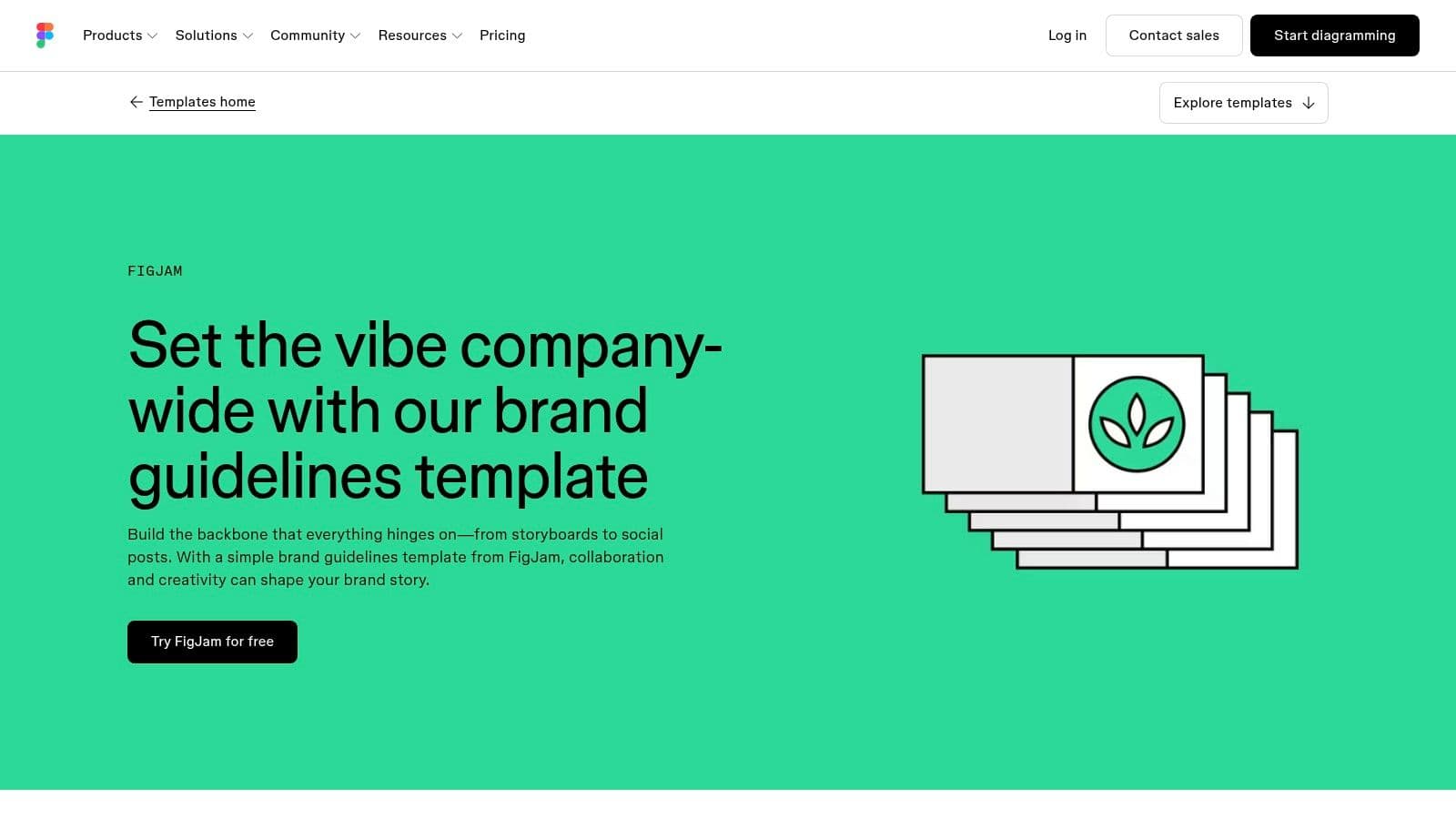
FigJam is for teams that hate static PDFs. If your visual identity changes often, or your channel runs a lot of experiments, a living board beats a polished document that no one updates.
The official FigJam template gives you ready-made sections for logos, type, colors, and usage rules. Real-time co-editing makes it easy for a designer, scriptwriter, editor, and channel manager to shape one shared source of truth.
Best use case for FigJam
FigJam works best when branding is collaborative and evolving. That usually describes creator teams better than traditional companies. A growing channel may test new thumbnail systems, update hook styles, shift editing pace, or adjust title packaging every few weeks.
A living guide helps because the first version of brand guidelines usually has gaps, and those gaps only become obvious when people use the system in real production. Feedback loops matter. So do side-by-side examples of approved and prohibited usage, especially for logo treatment, text overlays, and frame composition.
Good brand documentation shouldn't just say what's right. It should show what's wrong next to it.
The weakness is presentation polish. FigJam is functional, not brochure-like. If you're sending a formal brand book to sponsors or licensing partners, it may feel too workshop-oriented. But for internal use, that's exactly why it works. It stays editable, visible, and current.
Direct tool link: FigJam brand guidelines template
4. Notion
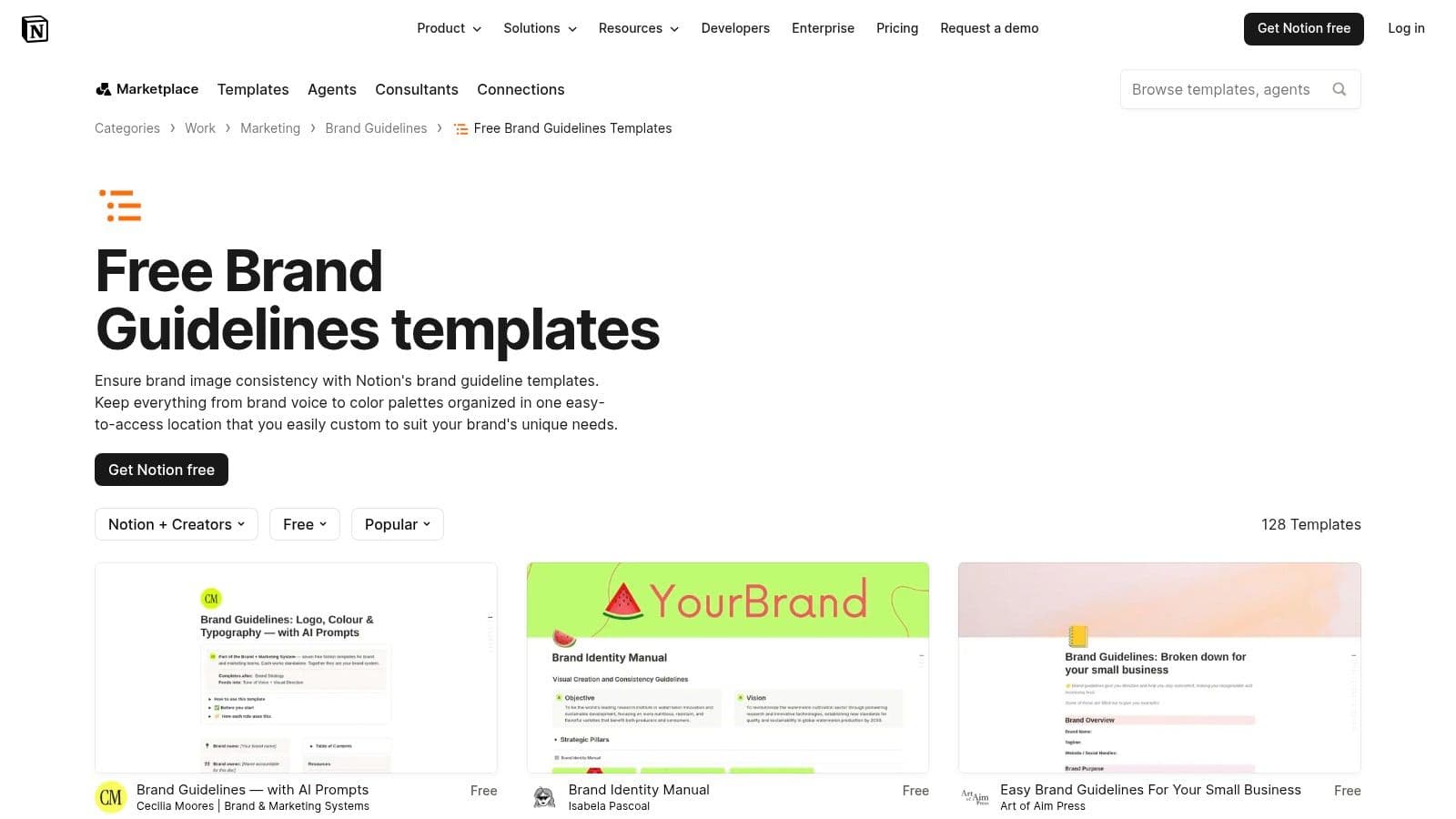
Notion is underrated for creator branding because it handles the messy part better than most design tools. Voice, tone, scripting rules, channel positioning, banned phrases, hook patterns, sponsor messaging, and content examples all fit naturally in a searchable doc system.
It also supports a living documentation model. According to the verified guidance on scalable systems, tools like Notion, Frontify, and ZeroHeight make dynamic updates easier as teams expand or launch new initiatives. That same source ties those systems to a 15 to 20% improvement in content consistency audit scores when guidelines stay current and easy to access.
Why Notion is better for voice than visuals
Notion shines when your biggest brand problem isn't colors. It's messaging drift. That's common in creator operations that use researchers, ghostwriters, editors, repurposers, and AI support across different formats.
Canva has noted that inconsistent messaging drives a large share of brand failures, and one gap in many existing templates is the lack of guidance for decentralized, AI-assisted teams, including voice customization and retention-aligned phrasing. That's highly relevant for video creators, where a short-form hook voice often shouldn't sound like a long-form explainer voice.
Use Notion to document things like:
If you're auditing content strategy gaps while building that system, Satura's guide to content gap analysis fits naturally into the process.
Notion's drawback is design control. It won't give you the same polished visual layout as a slide deck or design-first document. For voice systems and operational clarity, though, it's one of the best picks here.
Direct tool link: Notion brand guidelines templates
- Hook language rules: Which opening styles fit your channel.
- Caption voice rules: How your subtitles should sound when read.
- AI prompt standards: What your team should tell AI tools about tone, pacing, and audience.
- Retention feedback loops: Where underperforming scripts or packaging broke the brand voice.
5. Visme
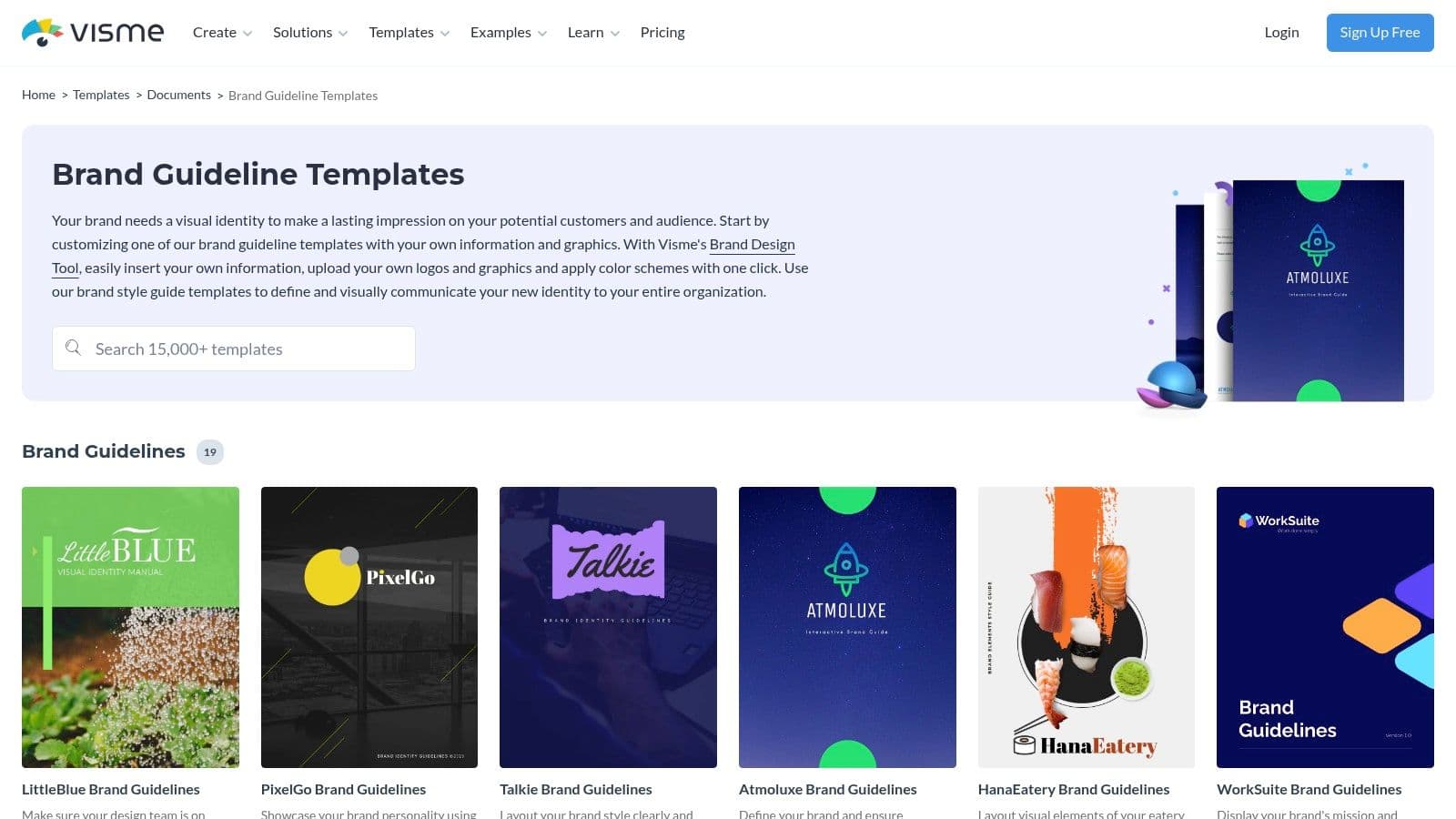
Visme makes sense when your brand guide needs to double as a presentation asset. Some teams don't want a wiki or a board. They want a deck they can present, export, and reuse for onboarding editors, agency partners, and sponsors.
Its templates are slide-friendly, and the export mix is broader than many creator-first tools. PDF, PPTX, image, and HTML5 output gives you flexibility if your brand book has to move across departments or clients.
When Visme makes sense
Visme is practical for channels that already produce decks, media kits, reports, or partner presentations. One system can hold the brand rules and the assets used to explain them.
A few details to include no matter which template you choose:
For creators cleaning product shots, cutouts, or promo graphics before they enter that brand system, Satura's background remover can save a lot of manual prep time.
Visme's learning curve is small, but real. If your team already lives in Canva or Adobe, the interface shift may feel unnecessary. If you're deck-heavy, it earns its spot.
Direct tool link: Visme brand guideline templates
- Technical color specs: A good guide should define Pantone, CMYK, RGB, and HEX values for primary and secondary colors, not just color names. That keeps the brand stable when assets move between digital and print workflows, as explained in Brandkit's guidance on essential brand guideline rules.
- Typography hierarchy: Title fonts, thumbnail fonts, subtitle fonts, and where each one can appear.
- Export-ready examples: Mock up a thumbnail, a sponsor frame, and a vertical short cover so nobody has to interpret the rules from scratch.
6. Venngage
A lot of creator teams put off brand documentation because it feels like a design project. Venngage works best when the need is operational. Get the rules out of scattered Slack threads, old thumbnails, and half-remembered comments, then turn them into something editors can use today.
That speed is the product.
What are the common questions?
What is the short answer for 10 Best Brand Guidelines Templates for Creators in 2026?
Find the perfect brand guidelines template for your channel. We review 10 options and show you how to turn your brand book into video assets with Satura AI.
What should creators do first?
Low training overhead: Everyone already knows slides.
Who is this guide for?
This guide is for YouTube creators, faceless channel operators, agencies, and teams using AI tools to improve video production and growth.
Action checklist
Apply this to your channel today.
- 1Low training overhead: Everyone already knows slides.
- 2Document the visual rules: Logo use, clear space, colors, fonts, and layout examples.
- 3Document the voice rules: Hook style, pacing, sentence length, CTA tone, and banned phrasing.
- 4Create repeatable templates: Thumbnails, end screens, shorts covers, lower thirds, and sponsor frames.
- 5Build feedback loops: Review what looked off-brand, then update the system instead of correcting the same mistake repeatedly.