What is the quick answer?
Learn the fastest way to translate Spanish video to English with our creator-focused guide. We cover subtitles, AI dubbing, and tools like Satura AI to grow.
Key takeaways
- Why Translating Your Videos Unlocks Global Growth
- What creators usually miss
- The First Big Choice Subtitles vs AI Dubbing
- When subtitles win
- When AI dubbing is the better move
- The AI-Powered Translation Workflow in Satura
Overview
Your Spanish videos are probably already proving the idea. People are watching, some episodes pop, comments are good, and then growth stalls. Not because the content is weak. Because language is capping reach.
If you want to translate Spanish video to English, treat it like audience expansion, not admin work. You're not just converting words. You're opening the door to a bigger viewing pool, better discoverability, stronger retention from bilingual viewers, and more ways to reuse the same asset.
Most creators wait too long to do this. They keep making new videos for the same audience while a perfectly usable growth lever sits in their backlog.
Why Translating Your Videos Unlocks Global Growth
A Spanish video can hit a ceiling even when the content is strong. The topic works. The edit works. The hook works. But if the packaging and playback experience stop English viewers from staying with it, your growth stays regional.
That's why translation matters. It gives one finished video a second life. For creators, that means more surface area on YouTube without doubling production.
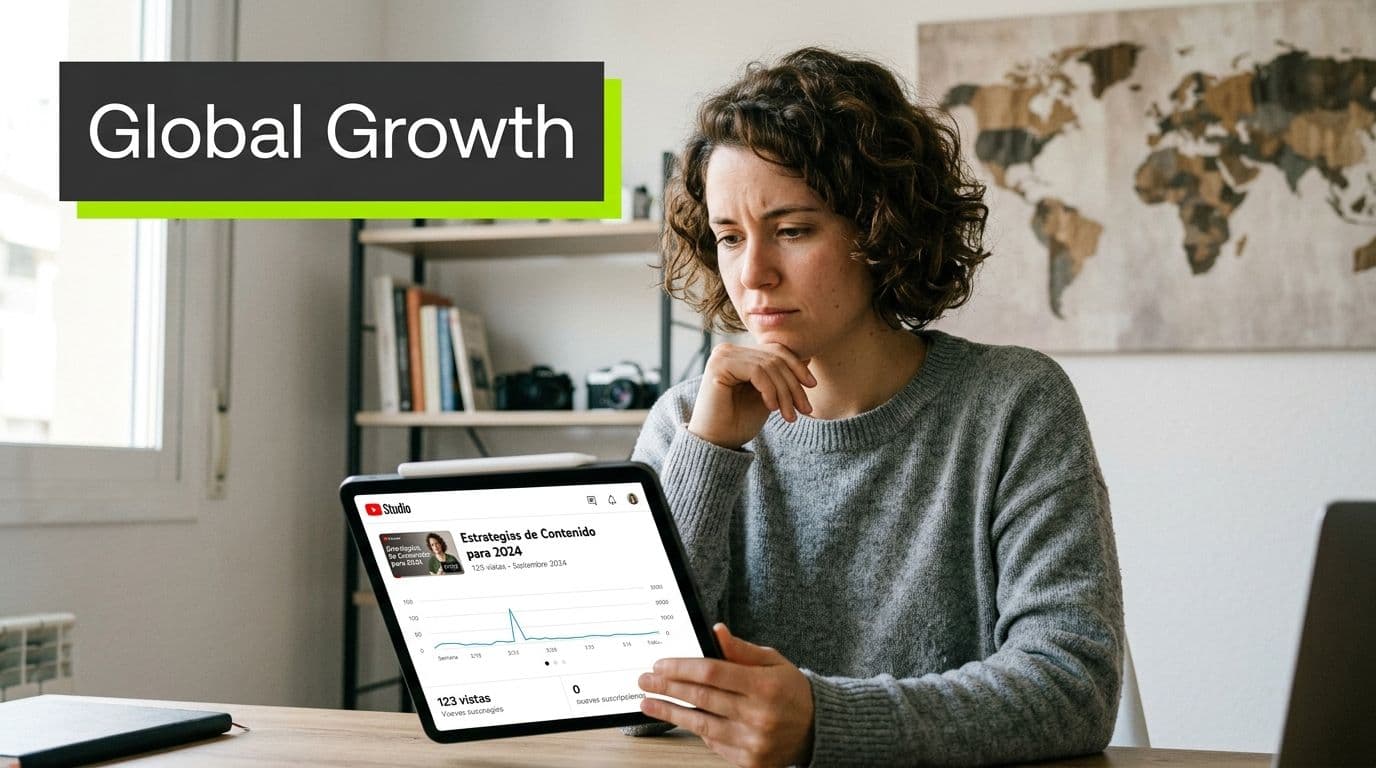
The market is moving in that direction fast. The global video translation service market reached USD 8.74 billion in 2025 and is projected to reach USD 19.04 billion by 2033, with a 10.2% CAGR projection, reflecting the push to localize video for high-volume pairs like Spanish to English, according to video translation market analysis from Verified Market Research.
That stat matters because it confirms what smart creators already feel in their analytics. Translation isn't a side feature anymore. It's becoming part of the publishing stack.
What creators usually miss
Most creators think translation is only for giant media companies. Wrong. The fastest-growing solo operators use one core asset in multiple formats, languages, and platforms.
If you're building a channel that can survive algorithm swings, multilingual repurposing belongs next to sponsorships, products, and email on the list of resilient creator business strategies. It gives you another lane for growth without needing another filming day.
A simple example: one Spanish tutorial can become an English subtitled upload, dubbed short clips, translated captions for Shorts, and a search-friendly English English title and description. This extends its utility.
Practical rule: Don't ask, “Should I translate this?” Ask, “Which videos already proved demand and deserve an English version?”
If you want the biggest upside, start with the videos that already have strong watch behavior. Then tighten the packaging using a YouTube channel optimization workflow so the translated version has a real shot instead of looking like an afterthought.
The First Big Choice Subtitles vs AI Dubbing
Before you touch any tool, make one decision. Do you want viewers to read English or hear English?
That choice shapes retention, editing time, cost, and how much of your original personality survives the translation.
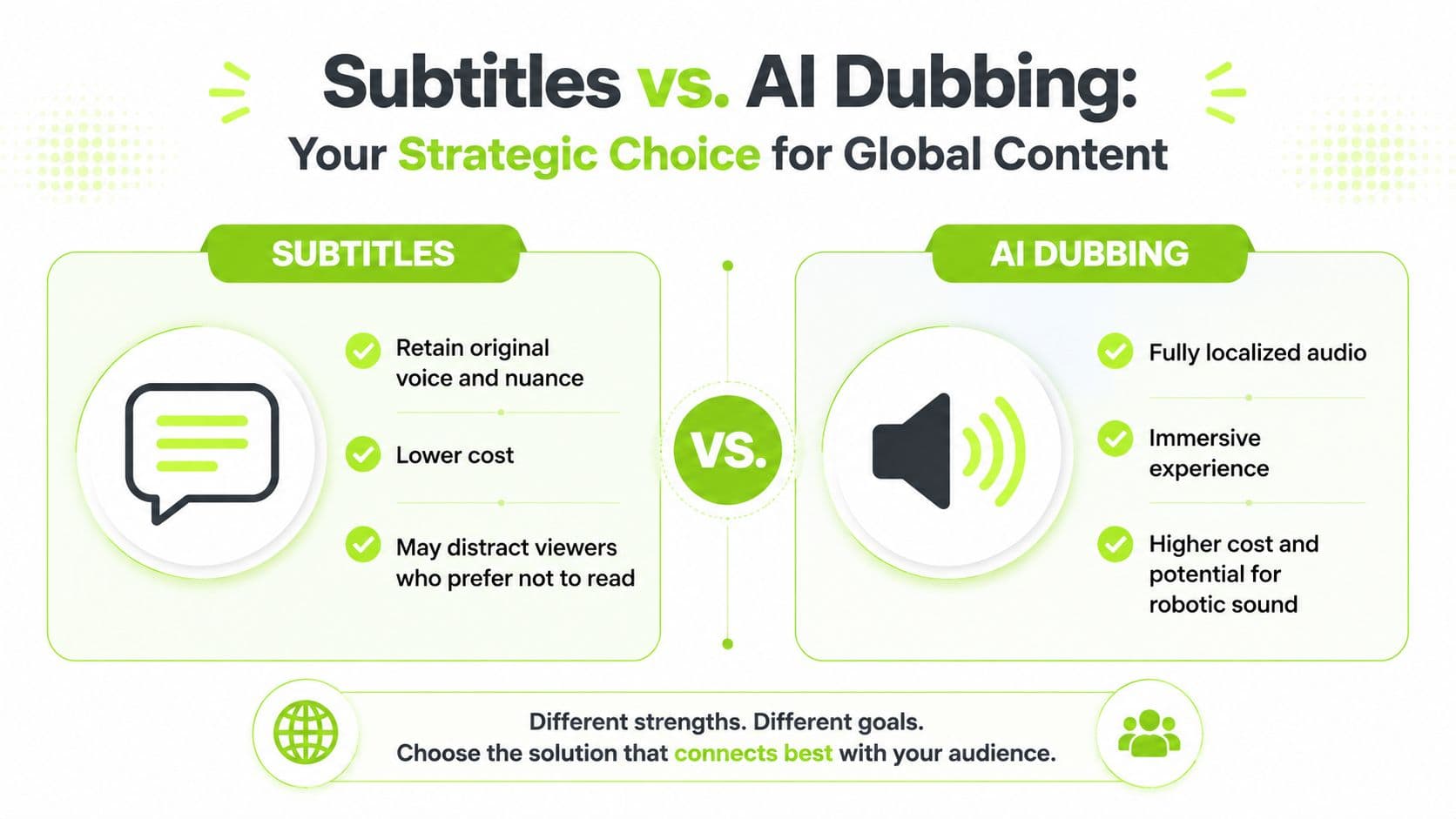
Subtitles are the easier starting point for most creators. They preserve your real voice, your timing, and your emotional delivery. They also line up with actual viewing behavior. 80% of Gen Z viewers in the United States use subtitles most of the time, compared with 50% of the general American population, according to subtitle behavior data compiled by Sonix.
That matters more than people think. If your audience already watches with text on screen, subtitles aren't friction. They're expected.
When subtitles win
Subtitles are the right move when your content depends on your personality. That includes commentary, coaching, storytelling, interviews, and anything where the original performance carries trust.
They also win when you need speed. You can publish faster, test demand faster, and fix mistakes faster.
Use subtitles first if this sounds like you:
If you want the text to look professional, study this guide to engaging video subtitles. Most creators don't fail on translation quality. They fail on readability.
- You make personality-led content: Your voice is part of the product.
- You're testing English demand: Start cheap and validate before you dub.
- You post Shorts or Reels: On-screen text often improves watchability in silent or noisy environments.
- You want less risk: Bad dubbing hurts more than good subtitles.
When AI dubbing is the better move
Dubbing is stronger when viewers want a passive experience. Think explainers, tutorials, podcasts, faceless content, product walkthroughs, or educational videos people play while multitasking.
It can also make a translated video feel more native. That's useful when your goal is broad reach beyond bilingual viewers.
Still, dubbing has tradeoffs. It takes more review, and robotic delivery can flatten the original performance. For some formats, that's fine. For character-heavy content, it's a problem.
| Factor | Subtitles | AI Dubbing |
|---|---|---|
| Content fit | Best for personality-driven videos | Best for passive listening formats |
| Speed | Fastest path to publish | Slower because voice sync needs checking |
| Authenticity | Keeps original tone and pacing | Can sound less natural if poorly tuned |
| Viewer effort | Requires reading | Easier for viewers who want audio-first playback |
| Cost | Lower effort and lower spend | Higher effort due to audio review |
| Best first test | Excellent | Better after a video proves demand |
If you're unsure, publish subtitles first. Dub the winners later.
For creators who want a quick launch path, a quick subtitles workflow is usually the smartest first move. It gets the video into English fast without forcing a full dubbing commitment on day one.
The AI-Powered Translation Workflow in Satura
The fastest workflow is simple. Transcript first, translation second, human cleanup third. If you reverse that order, you'll waste time fixing bad output.

The reason this works is straightforward. The industry standard for high-fidelity translation is Machine Translation Post-Editing, or MTPE. AI creates the draft, then a human fixes wording, syntax, and cultural accuracy, as described in Project Aeon's explanation of MTPE for video translation.
That's the workflow I recommend to creators because it's the best speed-to-quality tradeoff. Pure manual translation is too slow. Pure AI is too sloppy for publish-ready content.
Start with the transcript, not the translation
Most errors begin before translation. If the Spanish transcript mishears a name, slang phrase, or technical term, the English output inherits the mistake.
Your first pass should focus on the source transcript:
For a creator, this is the most impactful minute in the whole workflow. A cleaner source transcript makes every downstream step better.
- Upload the cleanest audio you have. Reduce background noise before anything else.
- Generate the Spanish transcript. Don't translate yet.
- Read it like an editor. Check names, product terms, jokes, slang, and sentence breaks.
- Fix obvious recognition errors. This takes less time than repairing the English later.
Translate fast, then edit like a strategist
Once the transcript is clean, generate the English version. Don't obsess over perfection on the first output. You're looking for accuracy of meaning first, then natural flow.
Here's the review filter I use:
Creators save hours. AI handles the heavy lifting. You only polish the parts viewers will feel.
A quick walkthrough helps if you want to see the flow in action:
The fastest creators don't edit every line equally. They spend the most attention on the hook, punchlines, transitions, and CTA.
- Check hooks first: The opening line must sound sharp in English. If the first ten seconds feel awkward, retention suffers.
- Fix idioms manually: Literal translations kill pacing and humor.
- Shorten overlong lines: English subtitles should be easy to scan, not packed with clauses.
- Replace stiff wording: If it sounds like machine output, rewrite it like spoken English.
Add voice and delivery options
If you want dubbing, create it after the transcript and translation are locked. Don't generate English audio from messy text. You'll just create another layer of cleanup.
For dubbed versions, listen for three things:
If you want to layer translated narration onto a video workflow, an AI voiceover tool for creators is useful only after the script is finalized. Script first. Voice second. Always.
- Pacing: Does the English run too long for the original beat?
- Pronunciation: Are names, brands, and places said correctly?
- Energy: Does the voice sound flat compared with the original delivery?
Syncing Styling and Exporting Your Captions
Raw captions make a translated video look unfinished. Good captions feel invisible. They help the viewer follow the story without pulling attention away from it.
That final polish is where a lot of creators get lazy, and it shows.
Fix timing before you touch design
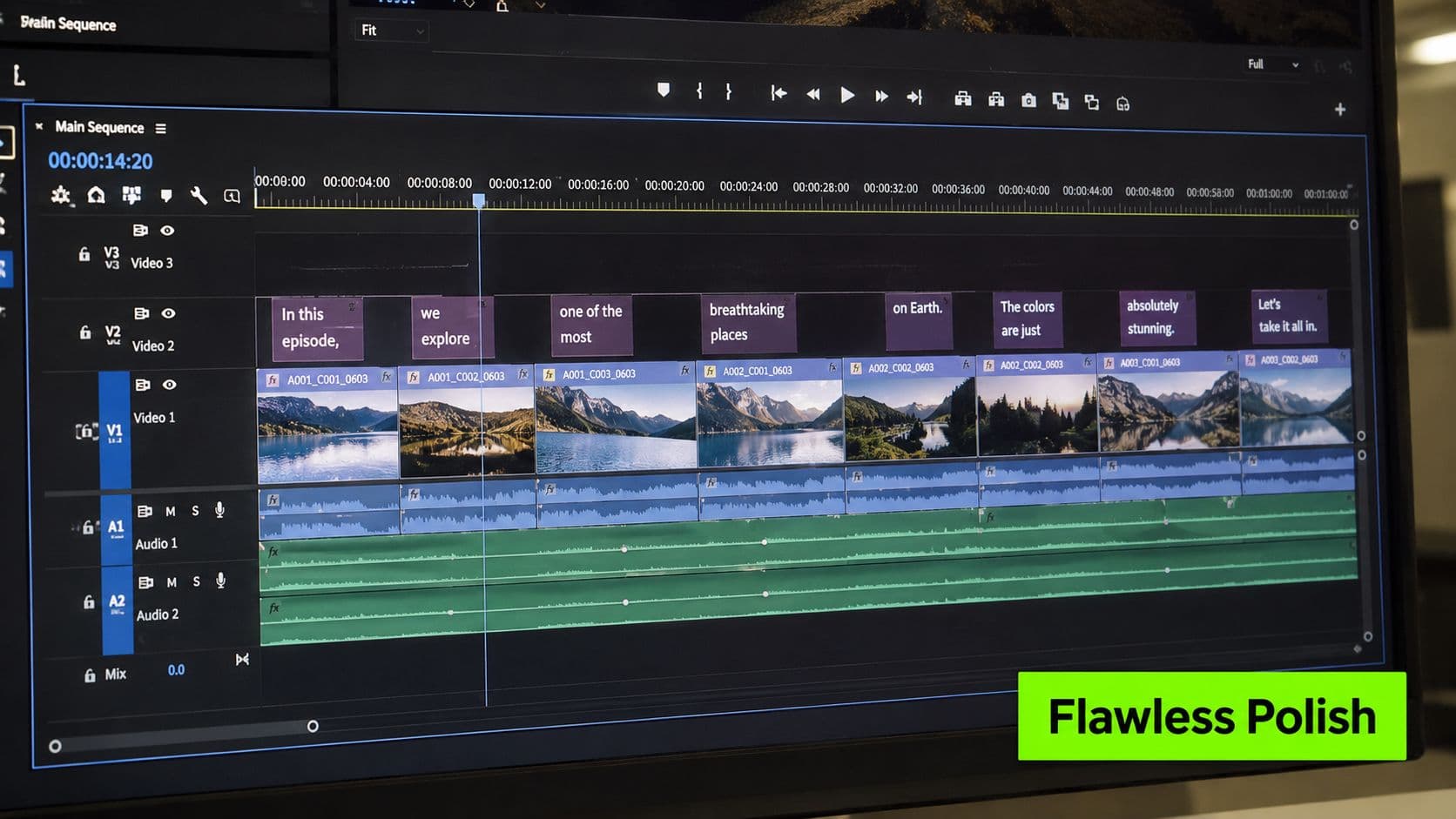
Timing comes first. If subtitles appear late, vanish early, or drift off the spoken line, the whole video feels cheap.
Review the timeline with sound on and watch for three common issues:
If your workflow starts with a generated transcript, a transcription tool built for creator editing makes this stage easier because you can tighten text and timing together instead of bouncing across apps.
- Late entrances: The text should appear when the thought begins, not after it lands.
- Crowded reads: Split long subtitle blocks into faster, cleaner chunks.
- Bad scene changes: Don't let one caption span two visual beats if the cut is dramatic.
What are the common questions?
What is the short answer for Translate Spanish Video to English the Creator's Guide?
Learn the fastest way to translate Spanish video to English with our creator-focused guide. We cover subtitles, AI dubbing, and tools like Satura AI to grow.
What should creators do first?
Design for mobile first: If it looks cramped on a phone, it's wrong.
Who is this guide for?
This guide is for YouTube creators, faceless channel operators, agencies, and teams using AI tools to improve video production and growth.
Action checklist
Apply this to your channel today.
- 1Design for mobile first: If it looks cramped on a phone, it's wrong.
- 2Check names and branded terms: AI often mangles them.
- 3Scan slang and regional phrases: These need human interpretation, not blind translation.
- 4Watch for missing punctuation: Bad sentence breaks make English output clunky.
- 5Listen to fast sections twice: Overlapping or rushed speech causes the worst transcript errors.