What is the quick answer?
Find out what video editing software do professionals use, from Hollywood standards like Premiere Pro to faster, smarter creator tools like Satura AI.
Key takeaways
- What Video Editing Software Do Professionals Really Use
- Two kinds of professional
- The Big Three Industry Standard Editors
- Premiere Pro as the agency default
- Final Cut Pro as the fast Mac editor
- DaVinci Resolve as the technical powerhouse
Overview
Most advice on this topic gives the same tired answer: Adobe Premiere Pro, Final Cut Pro, DaVinci Resolve. That answer is incomplete.
The better question is who counts as a professional now. A broadcast editor cutting commercial campaigns, a documentary filmmaker on a MacBook, and a YouTuber trying to publish three strong videos a week are all professionals. They just solve different problems. One needs airtight collaboration and handoff. Another needs speed. Another needs color, audio, and finishing in one place.
That's why asking what video editing software do professionals use in 2026 only makes sense if you first define the kind of professional workflow you want.
What Video Editing Software Do Professionals Really Use
Professionals don't all use the same editor, and pretending they do causes bad decisions.
A studio editor and a creator-economy editor may both get paid for video work, but they're living in different production worlds. Studio pros work inside larger pipelines where project sharing, handoffs, version control, graphics, sound, and approval chains matter. Creator pros care about a different metric: how fast a raw idea becomes a published video that still feels polished.
That split matters more now because the style of “professional” video has changed. The editing field is evolving. AI-assisted editing is now used by 58% of editors in 2024, up from 22% previously, and 50% of YouTube viewers now use the platform to relax, which helps explain why more creators are leaning into organic, casual cinematic edits instead of high-gloss polish, according to Metricool's video editing trend report.
Two kinds of professional
| Type of pro | What they optimize for | Typical editing priority |
|---|---|---|
| Studio professional | reliability across teams | collaboration, conforming, motion graphics, handoff |
| Creator professional | output speed and audience response | fast cuts, subtitles, packaging, repeatable publishing |
A lot of older “best software” lists miss this completely. They answer from the studio side and assume everyone else should climb into the same cockpit. That's useful if you want agency work, broadcast work, or a post-production career. It's not always useful if you're building an online content machine.
Practical rule: If your biggest headache is client approvals and shared project files, think like a studio editor. If your biggest headache is publishing consistently without burning out, think like a creator editor.
That's also why so many people asking this question are really asking something slightly different: what do modern YouTubers rely on day to day? For that angle, this breakdown of what YouTubers use to edit videos is a helpful companion.
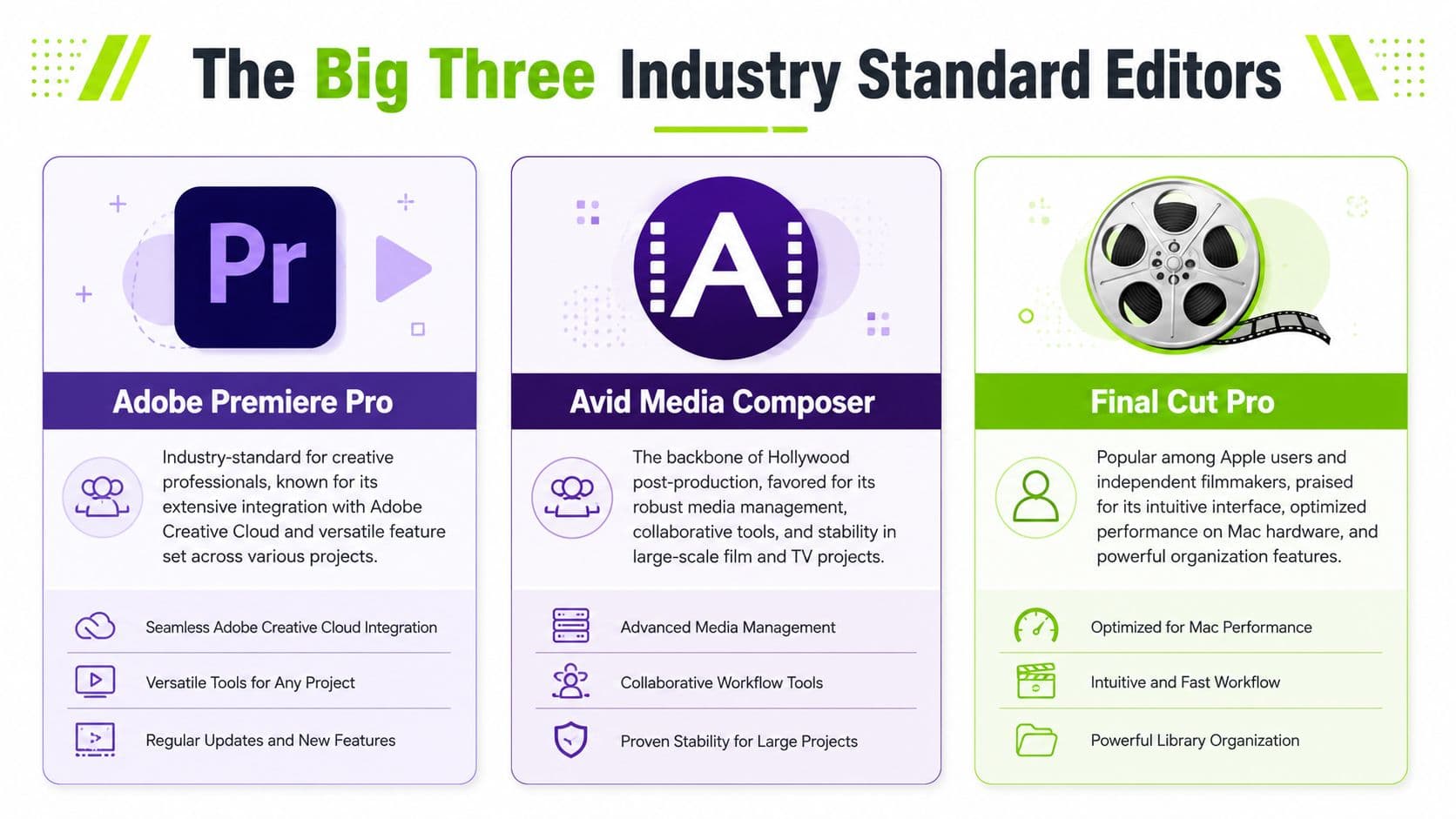
The Big Three Industry Standard Editors
The old-school answer still matters because these tools earned their reputations. If you walk into agencies, in-house brand teams, production houses, or freelance client work, you'll keep seeing the same names.
Think of them like elite kitchens. All of them can produce excellent work. The difference is how the station is laid out, who it's built for, and how much friction you're willing to tolerate while cooking.
Premiere Pro as the agency default
Premiere Pro still sits in the center of a lot of commercial editing work. It's the editor many teams standardize on because it fits neatly into a broader Adobe workflow. If motion graphics are built in After Effects, sound cleanup happens in Audition, and design assets move in from Photoshop or Illustrator, Premiere often becomes the practical hub.
That default status isn't just brand familiarity. Adobe Premiere Pro holds a 42% market share in 2024, which helps explain why branding agencies and broadcast studios keep building around its Team Projects workflow and After Effects integration, as noted by Skillademia's video editing statistics roundup.
What works well in Premiere Pro:
What doesn't work as well:
If your work depends on layered effects and polished post, tools built for video effects editing workflows help clarify where Premiere still shines.
- Team-based production: Shared expectations matter. Many editors, producers, and motion designers already know the interface.
- Adobe ecosystem fit: If your videos need title systems, lower thirds, ads, explainers, or frequent revisions, the Adobe stack saves friction.
- Client familiarity: A lot of professional environments already expect Premiere project files.
- It can feel heavy for solo creators: The software can be more system than you need when your main job is publishing quickly.
- The experience can turn fragmented: Once you bounce between multiple Adobe apps, the flexibility is powerful, but the workflow gets less elegant.
Final Cut Pro as the fast Mac editor
Final Cut Pro has always had a loyal crowd, and the loyalty makes sense. On Mac hardware, it feels quick, responsive, and less bureaucratic than Premiere. Editors who love it usually love it for the same reason: they can stay in flow.
The Magnetic Timeline is the feature people either swear by or reject immediately. If it clicks for you, it's one of the fastest ways to organize a complex edit without constantly fighting track management. For documentary assembly, talking-head YouTube, event work, and independent filmmaking on Apple hardware, that speed is real.
In the UK professional market, Adobe Premiere Pro leads with 35% share, followed by Final Cut Pro X at 25% and DaVinci Resolve at 15%, according to Cloud Present's overview of professional editing software. That split tracks with what many editors already feel in practice. Premiere remains the cross-platform enterprise choice, while Final Cut keeps a strong hold among Apple-native editors.
Final Cut Pro is often the editor people choose when they want professional output without feeling like they're filing paperwork while they edit.
The trade-off is simple. Final Cut is fantastic if you're committed to Mac and like its editing philosophy. It's less attractive if your work lives inside mixed operating system teams or client ecosystems that are already standardized elsewhere.
DaVinci Resolve as the technical powerhouse
DaVinci Resolve belongs in this group because it's no longer “just the color app.” Editors now pick it because it lets them stay inside one environment for cutting, grading, audio, and effects.
That all-in-one model changes the feel of post-production. Instead of constantly passing work between separate tools, you can keep momentum inside one project. For solo operators and lean teams, that's a major advantage.
Resolve also attracts a certain kind of editor. Usually it's someone who wants room to grow. They might start with straightforward edits, then push deeper into color, node-based effects, audio finishing, or delivery without needing to switch software families.
When Premiere Pro or Final Cut Pro Makes Sense
Choosing between Premiere Pro and Final Cut Pro isn't about which app has “more pro features.” Both are professional. The key question is which one matches your working style and career direction.
I've seen people waste months learning software that impressed them on paper but fought them every day in practice. That's the wrong way to pick an editor.
Choose Premiere when the ecosystem matters
Premiere makes sense when your editing job is part of a larger machine.
If you work with creative directors, brand managers, designers, motion artists, and audio specialists, Premiere often wins because everyone can orbit the same Adobe ecosystem. A rough cut becomes a graphics-heavy cut. That becomes a versioned export set. Then legal changes a line, the client wants alternate aspect ratios, and the campaign keeps moving. Premiere is built for that kind of reality.
Premiere is also a strong choice if you want work at:
The downside is friction. Premiere can feel less graceful when you're a one-person operation doing ideation, edit, captions, exports, thumbnails, and publishing. It's excellent at professional post-production. It's not always excellent at reducing creator workload.
- Marketing agencies: Teams often expect Adobe-native project handoffs.
- In-house brand studios: Designers and editors usually share Adobe habits.
- Commercial and broadcast environments: Collaboration and standardization matter more than interface charm.
Choose Final Cut when speed on Mac matters more
Final Cut Pro makes sense when you want a tool that gets out of your way.
A lot of editors who prefer Final Cut aren't chasing the biggest ecosystem. They want fewer interruptions between ingest and finished cut. They like how quickly footage can be organized, skimmed, assembled, and refined on a Mac. They want a timeline that nudges the edit forward instead of demanding constant housekeeping.
Here's where Final Cut is a smart fit:
If your studio is basically a MacBook Pro, external SSDs, and AirDrop, Final Cut fits naturally.
Talking-head videos, interviews, tutorials, and branded social cuts benefit from speed and pattern recognition.
Final Cut often wins on editing flow, even when it loses on cross-team standardization.
Workflow check: Premiere is easier to justify when other people touch the project. Final Cut is easier to justify when you want the software to disappear and let you cut.
There is one caution. If your long-term goal is getting hired into an environment that already runs Adobe, learning Final Cut first can leave you with an extra transition later. That doesn't make it a bad choice. It just means you should match the tool to the career path, not to online hype.
- You're all-in on Apple hardware
- You edit a lot of recurring content
- You value feel over convention
Why Everyone Is Talking About DaVinci Resolve
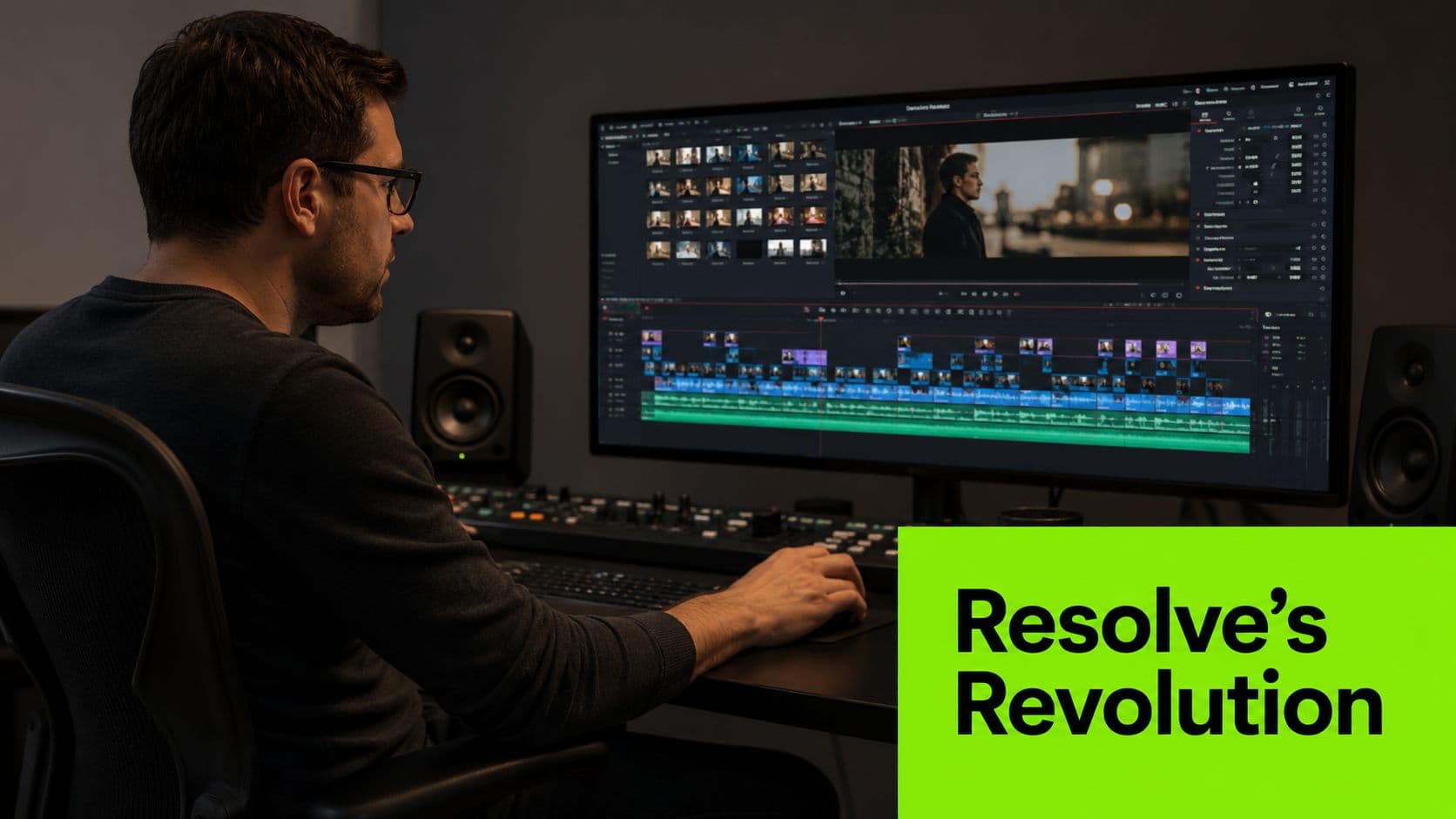
DaVinci Resolve changed the conversation by refusing to stay in one lane.
It used to be the app people associated with serious color work. Then it grew into a full post-production suite that could handle editing, grading, audio, and visual effects in one place. That shift made it much more than a specialist tool.
Resolve changed the buying conversation
Before Resolve became a full editing environment, many editors accepted a messy chain of apps as normal. Cut in one place. Grade somewhere else. Clean audio elsewhere. Build effects in another program. Export, relink, round-trip, hope nothing breaks.
Resolve challenged that assumption.
Now one application can cover:
That matters because every software handoff adds drag. Solo editors feel that drag immediately. Small teams feel it by the third revision.
- Editing: full timeline editing with room to scale
- Color: the part of Resolve that built its reputation
- Audio: Fairlight for serious sound work
- VFX and compositing: Fusion inside the same ecosystem
What are the common questions?
What is the short answer for What Video Editing Software Do Professionals Use in 2026??
Find out what video editing software do professionals use, from Hollywood standards like Premiere Pro to faster, smarter creator tools like Satura AI.
What should creators do first?
You're a creator whose main problem is publishing consistently
Who is this guide for?
This guide is for YouTube creators, faceless channel operators, agencies, and teams using AI tools to improve video production and growth.
Action checklist
Apply this to your channel today.
- 1You're a creator whose main problem is publishing consistently
- 2Will other editors or designers regularly touch your files?
- 3Are you editing only on Apple hardware and want maximum flow?
- 4Do you want one desktop app that can grow with your technical ambitions?
- 5Do you need help reducing production friction across clipping, publishing, and iteration?
Sources & methodology
- Satura editorial guide based on the source video, topic cluster, and article sections.
- Source video reviewed for this article: https://www.outrank.so/