What is the quick answer?
Stuck on what to film? Here are 10 actionable YouTube content ideas for beginners, complete with formats, hooks, and shortcuts to start your channel in 2026.
Key takeaways
- 1. My First Video Went Viral - Journey & Mistake Breakdown
- Why this works early
- [2. How To [Skill] - Step-by-Step Tutorial Format](2-how-to-skill-step-by-step-tutorial-format)
- Make the promise fast
- A useful walkthrough to study
- 3. Reacting To - Commentary & Analysis Format
Overview
You sit down to plan your first upload, open a notes app, type a few ideas, and delete every one of them because none feels good enough. That stall point is where a lot of new channels die. Not because the creator lacks talent, but because they never choose a format they can repeat.
Beginners get stuck when they treat YouTube like a creativity test. It works better as a packaging test. A small channel usually grows faster with clear, searchable ideas than with broad concepts that only make sense if people already know you.
That is the angle of this guide. These 10 ideas are not random prompts. They are repeatable formats you can shoot with basic gear, structure in minutes, and edit without turning a simple video into a week-long project. Each one includes a quick hook or script starter, a long-form version, a Shorts version, and practical editing shortcuts with Satura so you can get from idea to upload without overthinking every cut.
Short-form can also help you test demand before you invest in a full video. If you want a simple system for that, study this guide on how to make viral YouTube Shorts.
If you are still choosing a niche, these beginner YouTube channel concepts can help you narrow the field fast.
1. My First Video Went Viral - Journey & Mistake Breakdown
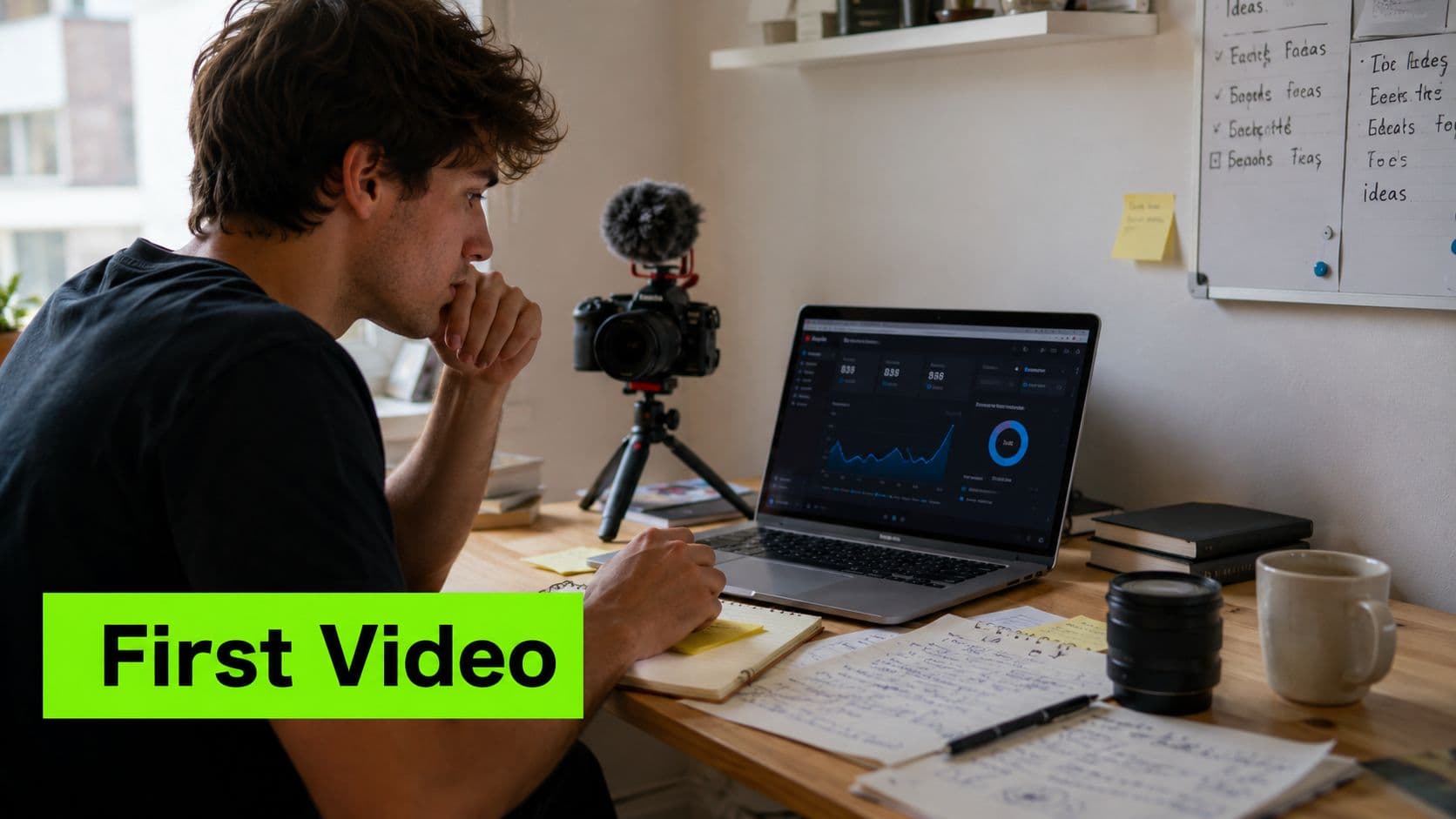
Some of the best YouTube content ideas for beginners are the most honest ones. A "my first video" breakdown works because people trust visible struggle more than polished guru advice. If you document your actual first month, viewers can track what you tried, what flopped, and what changed.
Use examples for tone, not for imitation. MrBeast's earliest growth experiments, Graham Stephan's zero-to-start storytelling, and Lex Fridman's discussions about early podcast friction all work because they reveal process.
Why this works early
The hook is simple: "I posted my first YouTube videos, made a bunch of mistakes, and this is the one change that finally got people to click." That gives beginners a story and a lesson at the same time.
For long-form, walk through idea, thumbnail, upload, then the moment you realized your original plan wasn't working. For Shorts, cut it to one mistake and one fix. A tight version sounds like this: "My first videos looked better than this one, but this ugly, specific title got the views."
Practical rule: Don't fake the journey. Record the attempt while it's happening.
Satura helps when your footage is messy, which it probably will be. Use Trustscore to compare why one upload held attention better than another, then turn the insight into your follow-up episode. If you're also clipping the story into Shorts, this guide on making viral YouTube Shorts with Satura is a clean starting point.
2. How To [Skill] - Step-by-Step Tutorial Format
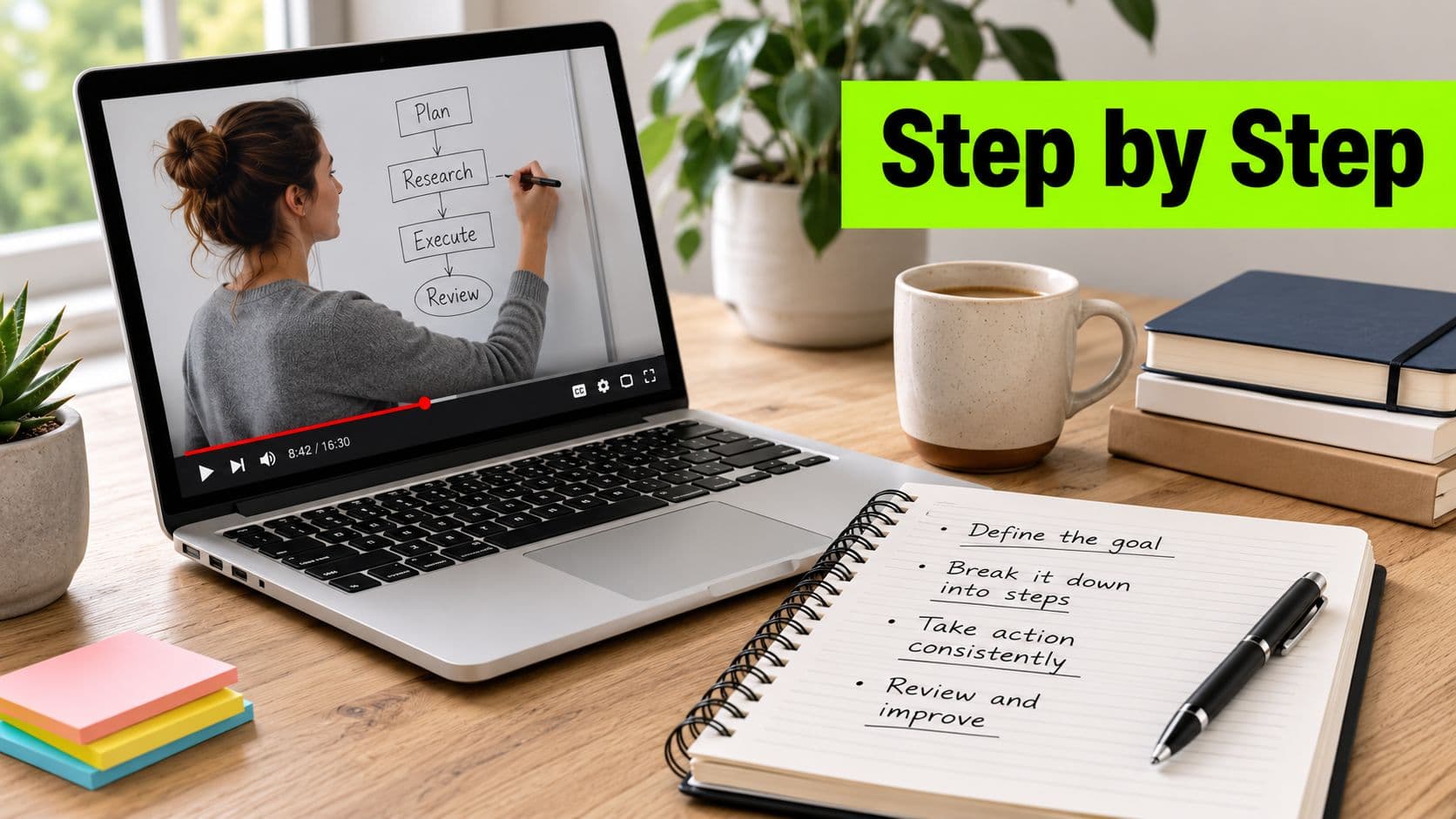
A beginner opens YouTube with a specific job to get done. Edit a first video. Fix bad audio. Learn one camera setting without wasting an hour. That intent makes tutorials one of the best formats for a new channel, because the viewer already knows what problem they want solved.
Search behavior backed that up hard during the spike in at-home learning. Google covered the jump in practical queries such as sourdough, home haircuts, homeschooling, and hair clippers in this beginner trend analysis video. The takeaway is simple. Clear instruction gets clicks from people who are ready to watch.
Make the promise fast
Open with the result, the time cost, and the friction point. A strong beginner hook sounds like this: "I'll show you how to edit your first video in Premiere Pro in 10 minutes, without getting buried in settings." That script works because it answers the three questions every new viewer has right away. What will I get? How long will this take? Will this be confusing?
Keep the topic narrow. "How to remove background noise in Audition" usually performs better than "my full audio workflow" for small channels, because the promise is tighter and the title is easier to trust. For Shorts, pull out one win from the full tutorial. A shortcut, one checkbox that fixes a common issue, or a five-second before-and-after is enough.
Execution matters more than gear here. Record the clean path first. Then record the explanation. New creators often try to teach while figuring the task out live, and the pacing falls apart. I get better retention when each step has one clear action on screen, one sentence of narration, and a quick visual proof that the step worked.
Use the same idea in two formats. Long-form can cover the full sequence: setup, step one, step two, common mistake, final result. Short-form should answer one micro-problem: "Turn this setting on if your footage looks flat." That gives you a repeatable system, not just one video idea.
A useful benchmark comes from YouTube's own guidance on audience retention. Videos that hold attention early are more likely to keep viewers watching, and creators can track that in the retention graph inside YouTube Analytics, as explained in YouTube's audience retention documentation. For beginners, that usually means cutting the long intro, showing the finished outcome in the first few seconds, and getting into step one fast.
A useful walkthrough to study
If you're making screen-recorded tutorials, study the rhythm of clean software demos before you obsess over fancy graphics.
Use Satura to tighten the teaching, not decorate it. AutoClip helps isolate the moments where the actual lesson starts, so you can cut the throat-clearing and keep the useful parts. If you want a practical editing shortcut for this style of video, this Premiere Pro tutorial workflow is a solid reference.
3. Reacting To - Commentary & Analysis Format
Reaction content only works when you bring a lens to it. Anyone can stare at a trailer, a launch event, or a viral clip. The creator who wins explains what most viewers missed.
That's why tech reactions, finance breakdowns, and music analysis channels keep showing up. MKBHD-style product reactions aren't popular because he reacts. They're popular because he translates what the update means.
Reaction is not enough
Use a hook like: "Everyone's focusing on the announcement. The part that matters is what this changes for regular users." That sets you apart from empty hype.
Long-form works when you break the source material into a few moments and analyze each one. Shorts work best when you pick a single take. "This one feature is why the launch wasn't as impressive as it looked." Fast, pointed, and useful.
A clean workflow helps here. Pull the original reference, mark three moments worth commenting on, then write your angle before you record. Satura's Clip Finder and motion controls are useful for this because they let you isolate and visually emphasize the exact second you're discussing.
Most reaction videos fail because the creator borrows attention but doesn't add meaning.
Also, credit the original creator clearly. That's not just good manners. It keeps your channel from looking lazy.
4. Day in My Life - Lifestyle & Vlog Documentation
You wake up with good intentions, film ten random clips, and end the day with footage that says nothing. That is why beginner vlogs fail. A watchable "day in my life" video needs a clear objective, visible work, and a result by the end.
Ali Abdaal's workday videos are a good reference because each vlog follows a real problem, deadline, or task. Airrack pushes the pace much harder, but the rule stays the same. The day needs a spine.

Give the day a spine
Use a simple structure: setup, main work, wrap-up. Setup tells viewers what the day is about. Main work shows the effort, delays, and decisions. Wrap-up answers the only question that matters: what happened?
A beginner-friendly hook sounds like this: "Today I'm trying to finish a client project, film a Short, and still leave my desk before 6." That line gives the vlog tension without forcing fake drama.
For long-form, let each part breathe. Open with the plan, show the work in sequence, then end with what got done, what slipped, and what you would change next time. For Shorts, compress the same day into fast checkpoints with timestamps, captions, and one clear payoff.
Editing matters more than gear here. Cut repeated errands, dead walking footage, and any clip that does not change the story. Keep the moments where plans go off track. Those are usually the clips people remember. If you want a faster workflow, video curation tools for sorting and tightening vlog footage help you pull the useful beats from a long recording day without manually scrubbing every file.
A simple execution plan works well for beginners:
The trade-off is honesty versus pace. Leave too much raw footage in, and the vlog drags. Cut everything down to pretty shots, and it feels empty. The sweet spot is a real day, edited with intent.
- Hook: state the day's goal in one sentence
- Middle: show 3 key blocks of activity
- Ending: report the result and one lesson
- B-roll: use it to support the story, not hide a weak one
5. Myths vs Reality - Debunking & Explainer Format
This format is perfect if you know enough to correct bad advice in your niche. Fitness myths, editing myths, money myths, productivity myths. They all work because viewers love contrast. They want to know what's wrong, why people believe it, and what holds up.
The mistake beginners make is treating debunking like dunking. That gets clicks, but it doesn't build trust.
Trust is the whole game
A better hook sounds like this: "You've heard this advice everywhere. The problem is that it only works in a very narrow situation." That opens a loop without sounding smug.
For long-form, pick three myths that connect. For Shorts, hit one myth hard and get out. Example: "No, you don't need expensive gear to start. You need a topic people are already searching for."
This format has one extra rule in 2026. If you're building a faceless or automation-heavy channel, factual accuracy isn't optional. Beginner discussions around faceless channels often miss the rising risk of misinformation-driven demonetization in 2025 to 2026, especially for AI-driven publishing, which makes verification part of the content workflow as discussed in this Reddit thread on small-channel YouTube strategy.
If you don't want to record yourself, use Satura's YouTube voiceover generator and pair it with on-screen citations, screenshots, and clean labels so viewers can follow your logic.
What are the common questions?
What is the short answer for 10 YouTube Content Ideas for Beginners in 2026?
Stuck on what to film? Here are 10 actionable YouTube content ideas for beginners, complete with formats, hooks, and shortcuts to start your channel in 2026.
What should creators do first?
From Idea to Upload - Your Next Step
Who is this guide for?
This guide is for YouTube creators, faceless channel operators, agencies, and teams using AI tools to improve video production and growth.
Action checklist
Apply this to your channel today.
- 1From Idea to Upload - Your Next Step
- 2Hook: state the day's goal in one sentence
- 3Middle: show 3 key blocks of activity
- 4Ending: report the result and one lesson
- 5B-roll: use it to support the story, not hide a weak one