What is the quick answer?
Find the best AI tools for video editing. Our 2026 guide reviews 10 top platforms for creators, from automated clipping to pro finishing and growth.
Key takeaways
- 1. Satura AI
- Why Satura feels different in practice
- 2. Adobe Premiere Pro
- Where Premiere still wins
- 3. Blackmagic DaVinci Resolve Studio
- Best fit for finishing heavy projects
Overview
Your competitors are already moving faster, and you can feel it. They're publishing more Shorts, repurposing podcasts into clips, cleaning up audio without hiring an editor, and getting videos out while you're still trimming dead space off a talking-head cut. That gap used to come down to team size. Now it often comes down to whether someone is using AI well or still editing like it's three tools, five tabs, and an all-nighter.
Video editing used to be the biggest bottleneck for creators. Now, AI tools for video editing are turning hours of manual work into much shorter workflows. This isn't just about faster cuts or fancier effects. It's a strategic advantage for creators who need to ship more, test more, and keep their energy for ideas instead of repetitive cleanup. Organizations using modern AI video editing tools report average time savings of about 14 hours per project, with cost reductions reaching up to USD 1,500 per project, according to Glean's overview of AI video creation tools.
If you're trying to create videos from prompts with AI, or just want to stop wasting hours on captions, silence cuts, reframing, and transcript cleanup, the tool choice matters. Some platforms try to be your whole workflow. Some are still traditional editors with smart AI layers on top. Others do one thing extremely well.
1. Satura AI
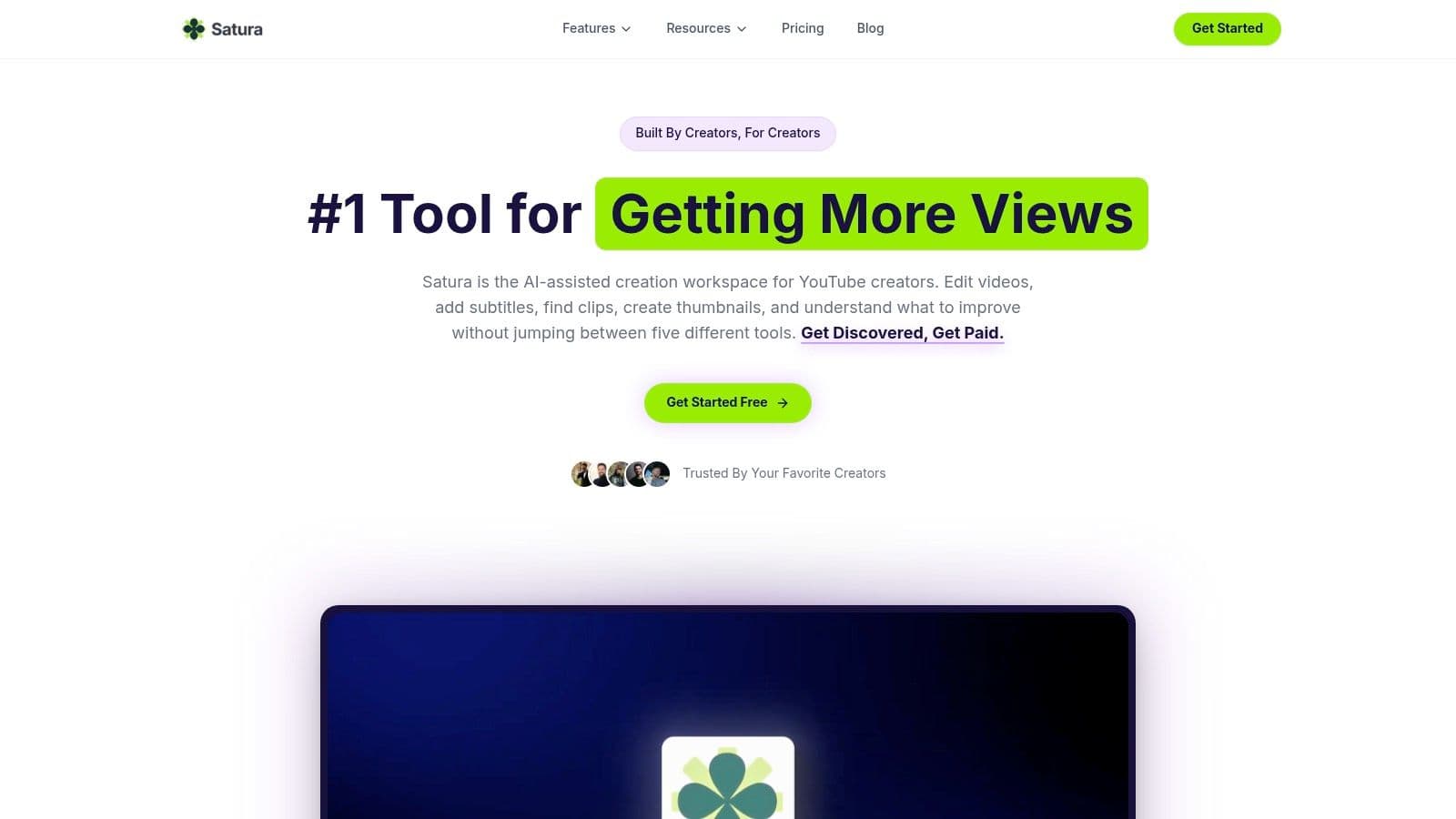
A creator records a solid video, then loses the next two hours hopping between an editor, a caption app, a clipping tool, a thumbnail generator, and analytics that still do not explain why the post stalled. Satura AI is built for that workflow problem.
It acts more like a creator operating system than a single editing app. The appeal is not one flashy AI feature. It is the fact that editing, clipping, subtitles, voiceovers, thumbnails, idea testing, and performance diagnosis live in the same system. For YouTube channels, podcasts, streamers, and short-form teams, that setup cuts real production drag.
The browser-based editor is the practical starting point. You can trim, arrange, enhance, and export in one place, then move straight into AutoClip, smart cutting, motion control, speech enhancement, subtitles, transcription, background removal, caption removal, AI voiceovers, thumbnail generation, and upscaling. Fewer handoffs usually means fewer stalled drafts.
Why Satura feels different in practice
What stands out is how it handles the full creator loop, not just the edit. After the video is cut, Satura keeps going with tools aimed at packaging, testing, and diagnosis. That matters because a lot of creators do not have an editing problem. They have a publishing problem.
Trustscore analytics is a good example. It looks at signals like hook strength, swipe ratio, retention, share rate, and posting consistency, then turns that into plain-English direction. That is more useful than dumping charts on a solo creator who just wants to know why a video underperformed.
Its supporting tools push it beyond a standard editor:
If your content pipeline depends on five separate subscriptions, one integrated system is often the smarter choice.
There are still trade-offs. Credit and export-minute pricing can work well for smaller teams, but high-volume publishers should check usage carefully before committing. Browser editing is fast and convenient, though large multicam projects or heavy finishing work can still feel steadier in a desktop NLE. Creators who spend a lot of time on detailed compositing or advanced video effects editing workflows may still want a traditional timeline tool in the stack.
For solo creators and lean teams, Satura earns its place because it connects production with growth decisions. That is its key distinction. It does not just help you cut footage faster. It helps you ship, test, and improve without rebuilding your workflow every time.
- Growth Coach: Strategy guidance tied to the content you are making.
- Virality Lab: Concept and packaging testing before or after publishing.
- Clip Finder: Faster retrieval of strong moments and source material.
- Creative Library: Helpful when the bottleneck is ideation, not execution.
- AI Lab: A place to test new workflows without stitching together extra software.
2. Adobe Premiere Pro
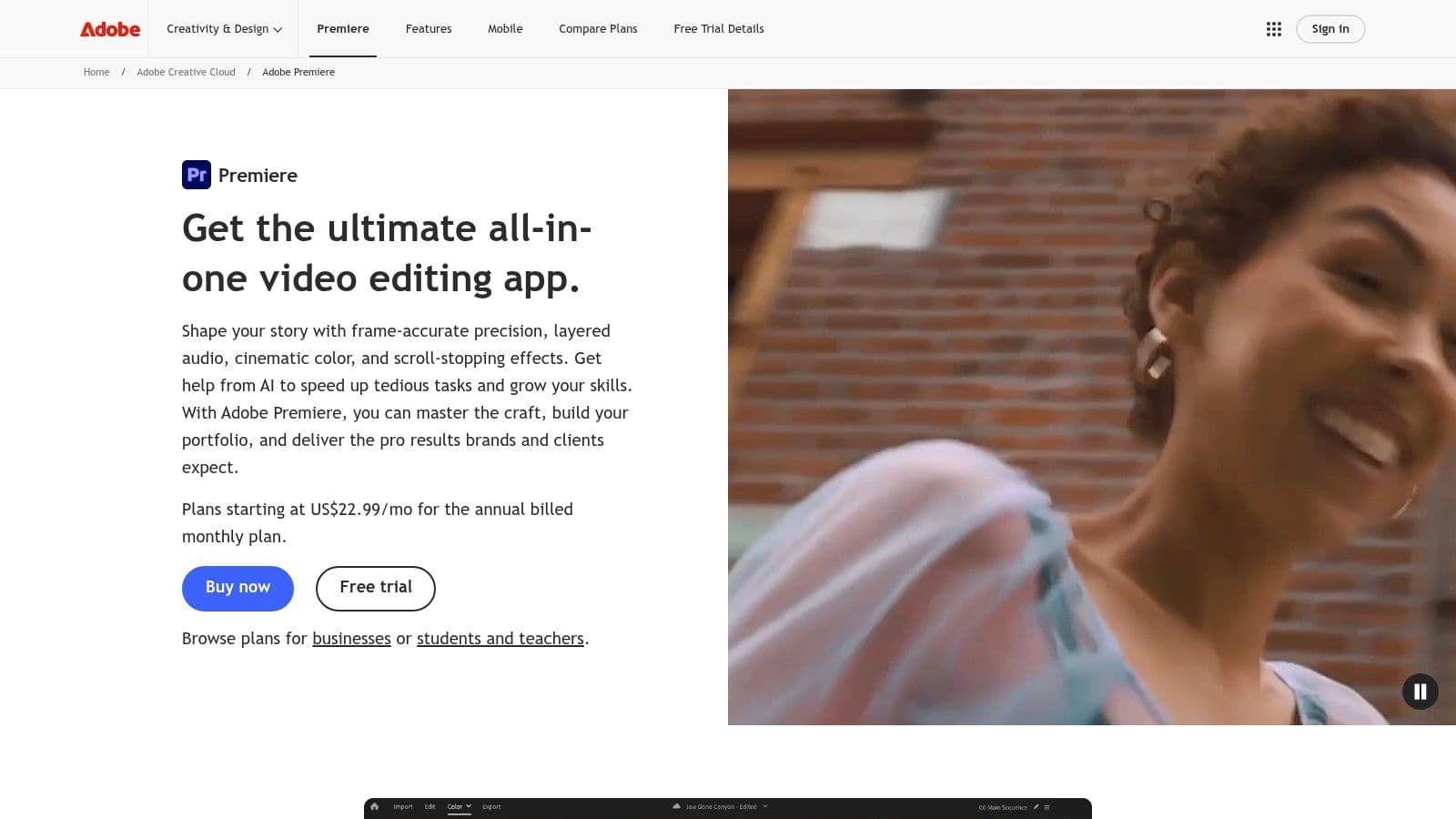
Adobe Premiere Pro is still the default answer when a creator wants serious timeline control and a mature post-production ecosystem. It's not the easiest tool here, and it's definitely not the cheapest long-term. But if you need editing depth, codec support, pro color tools, and easy handoff to After Effects, Audition, or Frame.io, Premiere still earns its place.
Its AI layer is getting more useful where editors need help. Text-Based Editing with auto-transcription speeds rough cuts, Enhance Speech helps salvage imperfect recordings, and Media Intelligence makes footage search less painful. If your edits rely on layered motion graphics or polished finishing, it's also a natural home for creators who care about strong video effects editing workflows.
Where Premiere still wins
Premiere is strongest when AI supports the editor instead of trying to replace the editor. That distinction matters. It won't magically make someone good at pacing, but it removes a lot of drag from the process.
A few reasons experienced editors still stick with it:
The downside is obvious. It's subscription-only, and the learning curve is steeper than browser-first tools. For newer creators, that can mean paying for power they won't fully use. For professionals, though, Premiere remains one of the safest choices when a project needs to go beyond “fast enough” and into “deliverable.”
- Deep ecosystem: Adobe's app handoff is still one of its biggest strengths.
- Professional control: You get broad camera support, audio options, and detailed timeline behavior.
- Useful AI additions: The AI features target common bottlenecks instead of novelty tricks.
3. Blackmagic DaVinci Resolve Studio
Blackmagic DaVinci Resolve is what I recommend to creators who care about finish quality as much as speed. Resolve isn't trying to feel lightweight. It's a full post-production suite with editing, color, audio, VFX, and AI features through the DaVinci Neural Engine. If you grow into it, it can replace a lot of software.
The free version is already generous. That's one reason it keeps showing up in serious creator setups. Studio provides more advanced AI and higher-end capabilities, but even before that upgrade, many channels can cut, grade, and deliver strong work without hitting a wall.
Best fit for finishing heavy projects
Resolve shines when the edit doesn't end with clipping. If you need strong color, proper audio cleanup in Fairlight, or node-based effects in Fusion, it has real depth.
Its strongest points are straightforward:
Resolve rewards patience. If you only need captions and quick reframes, it's too much. If you want one app that can carry a channel from simple edits to polished branded work, it's a serious contender.
The weakness is also obvious. The interface can feel dense, especially at the start. Some AI and premium features are locked to Studio, so the free version is powerful but not unlimited. For creators who want Hollywood-style finishing without committing to a monthly subscription, though, Resolve remains one of the smartest buys in the category.
- Color work: Resolve is still one of the best environments for grading.
- All-in-one finishing: Editing, VFX, and audio live in the same tool.
- Long-term value: The Studio license appeals to creators who hate recurring software bills.
4. Apple Final Cut Pro
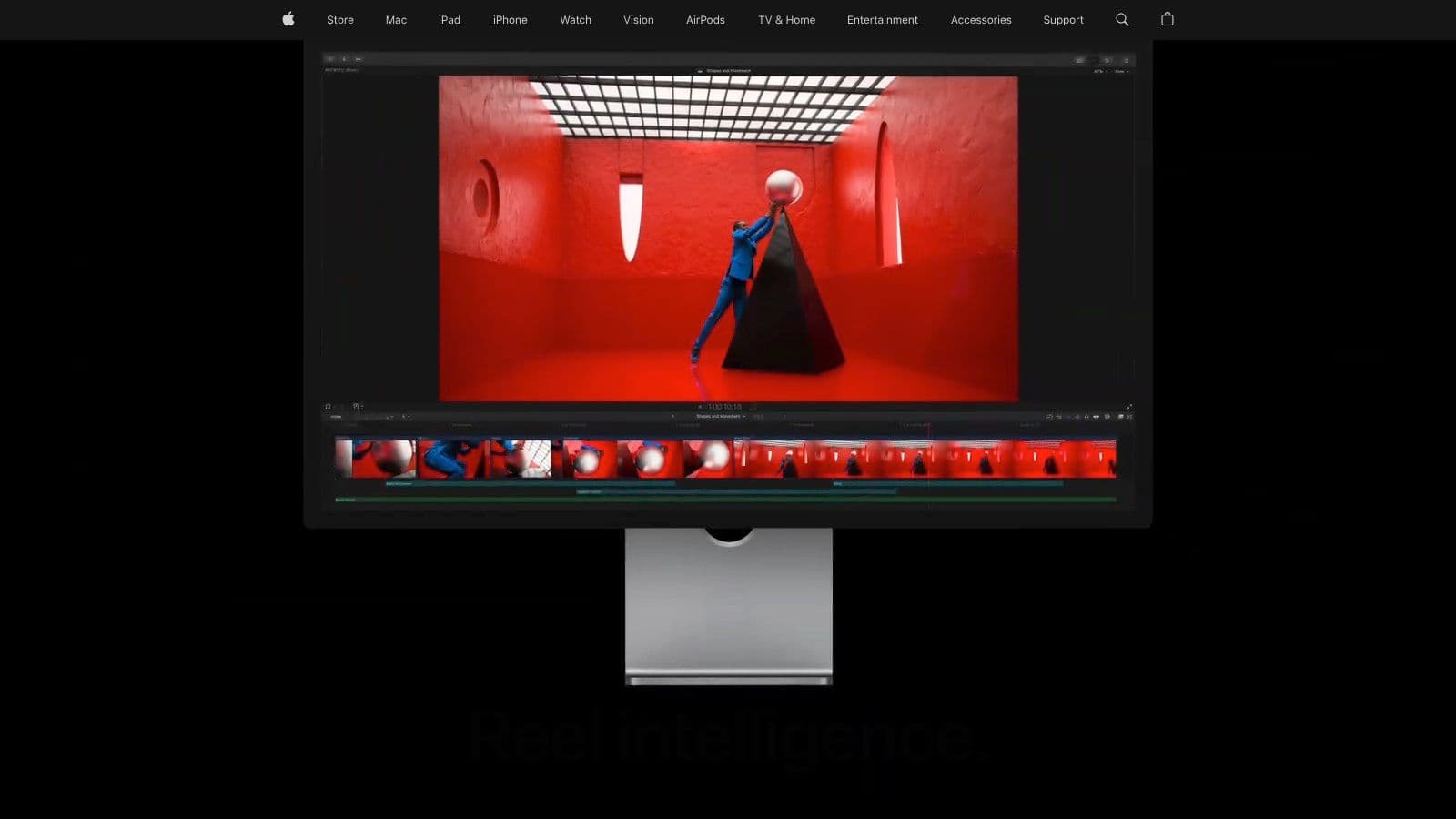
Final Cut Pro makes the most sense when your entire world is already on Apple hardware. On Apple silicon, it feels fast in a way that many editors immediately notice. That responsiveness matters when you're cutting Shorts, social clips, and long-form YouTube on tight deadlines.
Apple has also been adding more intelligence-focused features into the app. Visual Search, Transcript Search, Automatic Captions, Voice Isolation, Magnetic Mask, and auto-reframing all help remove repetitive tasks that used to break editing momentum. It still feels like a pro editor first, not an AI toy second.
Who should pick Final Cut
Final Cut is best for creators who want speed and don't want a subscription hanging over every project. The one-time purchase model is still attractive, especially for independent creators who plan to stay on Mac.
Where it works best:
What doesn't work? If you're on Windows or Linux, it's irrelevant. If your team needs built-in cloud collaboration, you'll likely patch that together through other services. Final Cut is excellent for the right creator, but the right creator is very specifically “someone working on a Mac who values speed over ecosystem sprawl.”
- Mac-native performance: Especially strong for Apple silicon users.
- Clean editing flow: Many creators prefer its speed for social and YouTube work.
- Growing smart tools: Apple's automation features are practical, not noisy.
5. Runway
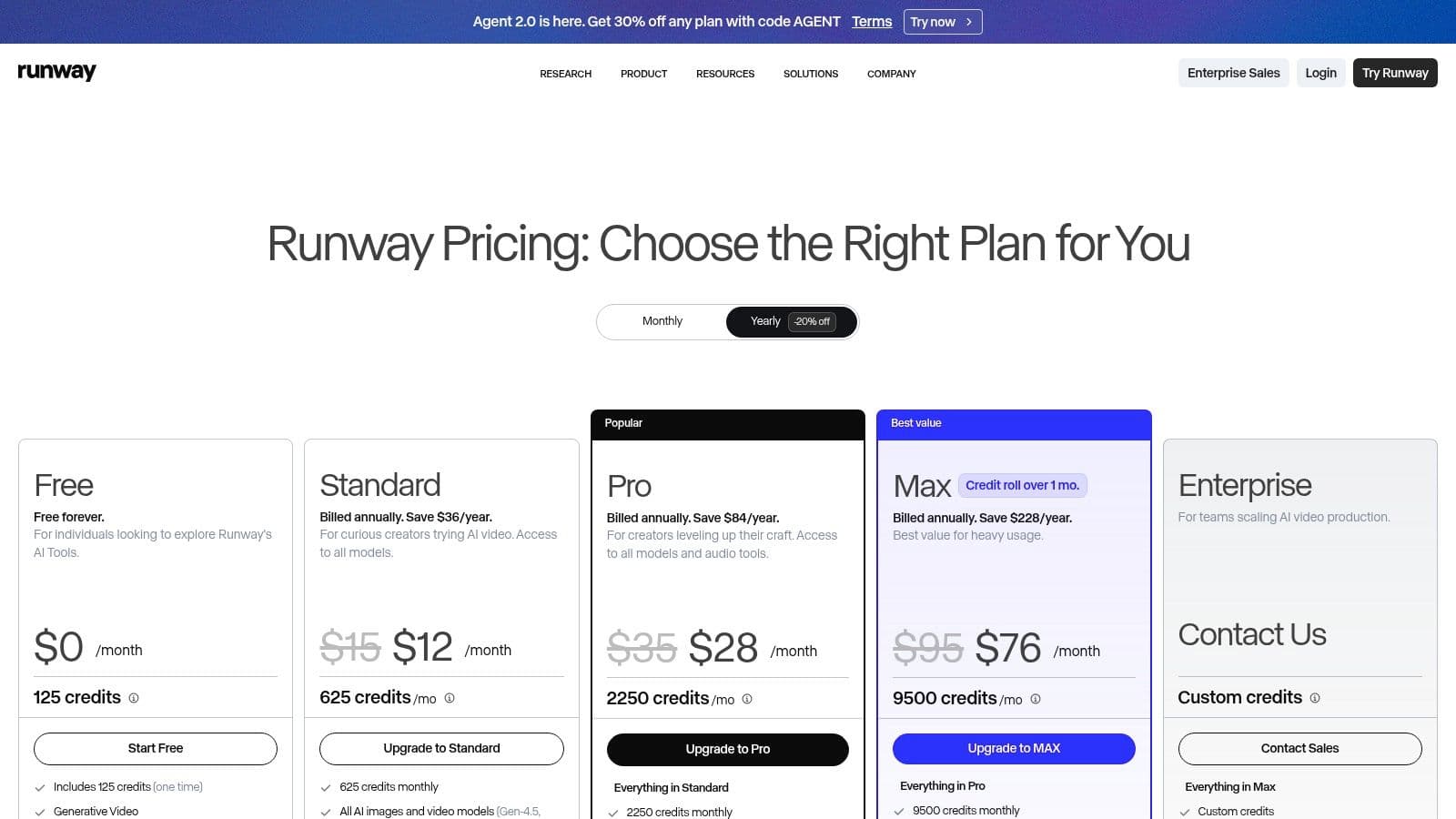
Runway is one of the most interesting tools on this list because it sits between editing platform and creative lab. If you want stylized inserts, generated visuals, motion effects, upscaling, or fast concept footage, Runway is often the first tool creators test.
That's also why it gets misunderstood. Runway is great at making visual assets quickly. It is not the tool I'd choose as my primary editor for a full show, documentary, or layered branded production. It's strongest when used to generate or transform material that later gets folded into a broader workflow, or when you need an AI video generator for creators rather than a traditional timeline-first editor.
Best for generated visuals, not full episode finishing
Runway's value comes from speed of experimentation. Its generative video models, image tools, motion brushes, 4K upscaling, and voice tools make it useful for creators building explainers, trailers, animated inserts, and visually stylized content.
What it does well:
The friction is mostly around credits and fit. Heavy users need to monitor consumption, and creators still usually need a traditional editor for full project assembly. Runway is powerful, but it's not a replacement for editorial judgment. It's a way to generate material faster when the raw visual idea matters as much as the cut.
- Rapid visual ideation: Great for testing looks and scene concepts.
- Stylized motion work: Useful for transitions, inserts, and AI-native sequences.
- Browser convenience: Fast to access, easy to test.
6. Descript
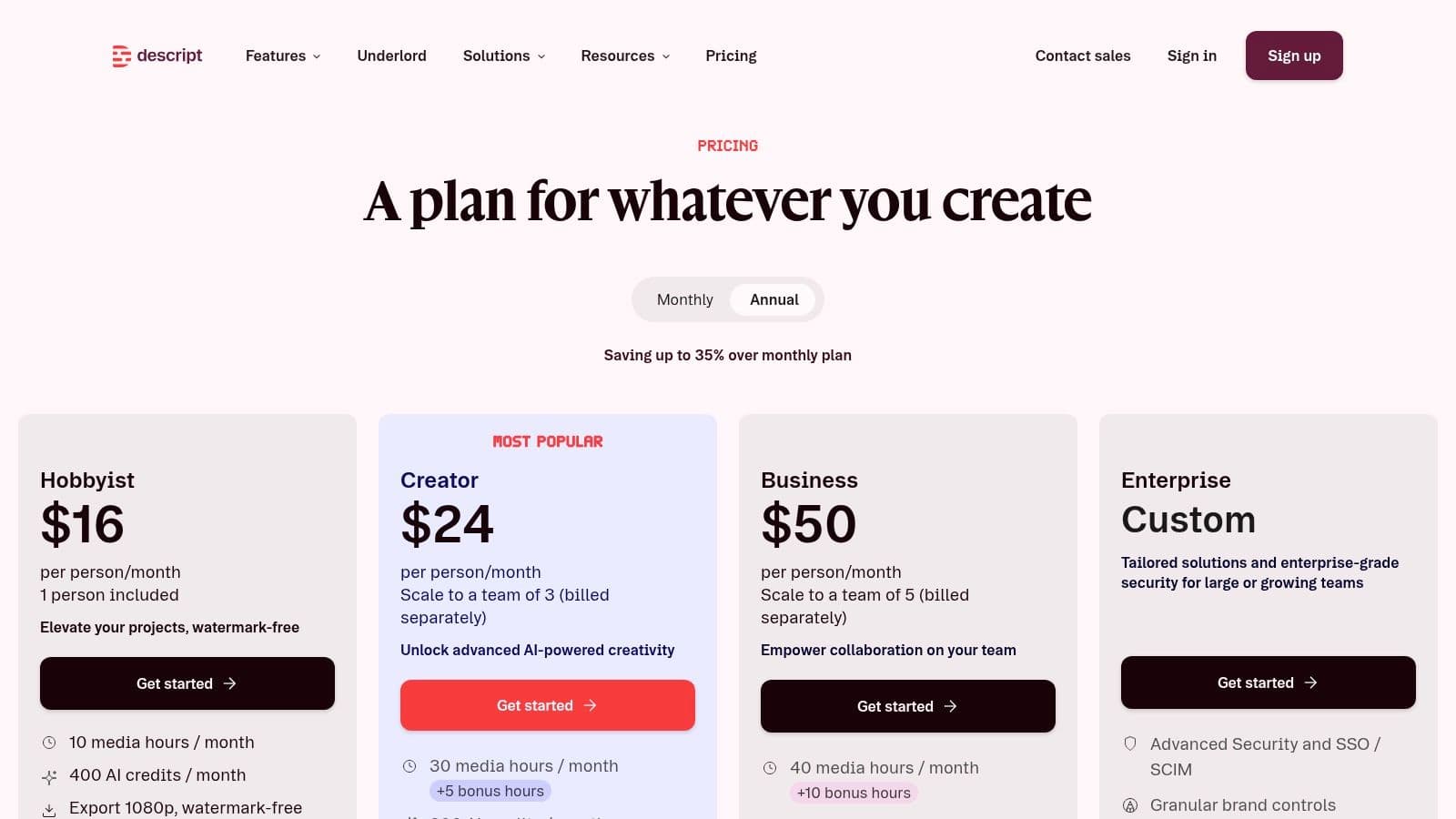
Descript is one of the few AI tools for video editing that changes how people think about editing. Instead of hunting through a timeline, you edit the transcript. Delete a sentence from the text, and the clip disappears from the video. For podcasts, interviews, webinars, and screen recordings, that's not a gimmick. It's a different and often faster workflow.
That transcript-led model is a big reason text-based editing keeps spreading. Descript's AI-powered platform lets users edit video directly from text transcripts after automatic transcription on import, which removes a lot of frame-by-frame scrubbing, as highlighted in this Descript workflow demo. It also pairs well with fast packaging tasks like quick subtitle generation for short-form content.
What are the common questions?
What is the short answer for 10 Best AI Tools for Video Editing (2026 Guide)?
Find the best AI tools for video editing. Our 2026 guide reviews 10 top platforms for creators, from automated clipping to pro finishing and growth.
What should creators do first?
Clear plan logic: Minute and credit limits are easier to understand than some competitors.
Who is this guide for?
This guide is for YouTube creators, faceless channel operators, agencies, and teams using AI tools to improve video production and growth.
Action checklist
Apply this to your channel today.
- 1Clear plan logic: Minute and credit limits are easier to understand than some competitors.
- 2Balanced control: Enough manual editing to avoid feeling trapped by automation.
- 3Long-to-short repurposing: Very effective for podcasts and interviews.
- 4Volume production: Good when you need many clips from one source.
- 5Brand consistency: Templates and team features help repeatable output.
Sources & methodology
- Satura editorial guide based on the source video, topic cluster, and article sections.
- Source video reviewed for this article: https://www.outrank.so/