What is the quick answer?
Discover the best app for YouTubers in 2026. Streamline editing, analytics, and growth with our top picks. Boost your channel today!
Key takeaways
- 1. Satura AI
- Why Satura AI feels different in practice
- 2. YouTube Studio
- The official dashboard handles the routine work
- 3. CapCut
- Where CapCut fits best
Overview
Your YouTube stack is probably bloated right now. One app handles edits, another does thumbnails, a third tracks analytics, and somehow music licensing still lives in a separate tab you forgot to renew. That setup feels normal until it starts eating your time, your focus, and your budget.
The better app for YouTubers isn't just the flashiest editor. It's the tool, or mix of tools, that matches the way you publish, repurpose, and grow. YouTube's scale makes that choice matter, because it's the second-most visited website in the world, with more than 106 billion visits per year and about 2.49 billion people each month watching there, while Google says people watch more than 1 billion hours of YouTube every day (YouTube stats). Even small workflow gains can ripple fast on a platform that big.
1. Satura AI
Satura AI makes sense for creators who are done stitching together five separate subscriptions just to get one video out the door. It's a browser-based workspace built for editing, clipping, thumbnails, subtitles, transcription, and growth analysis in one place, which is exactly why it stands out in a crowded app for YouTubers search.
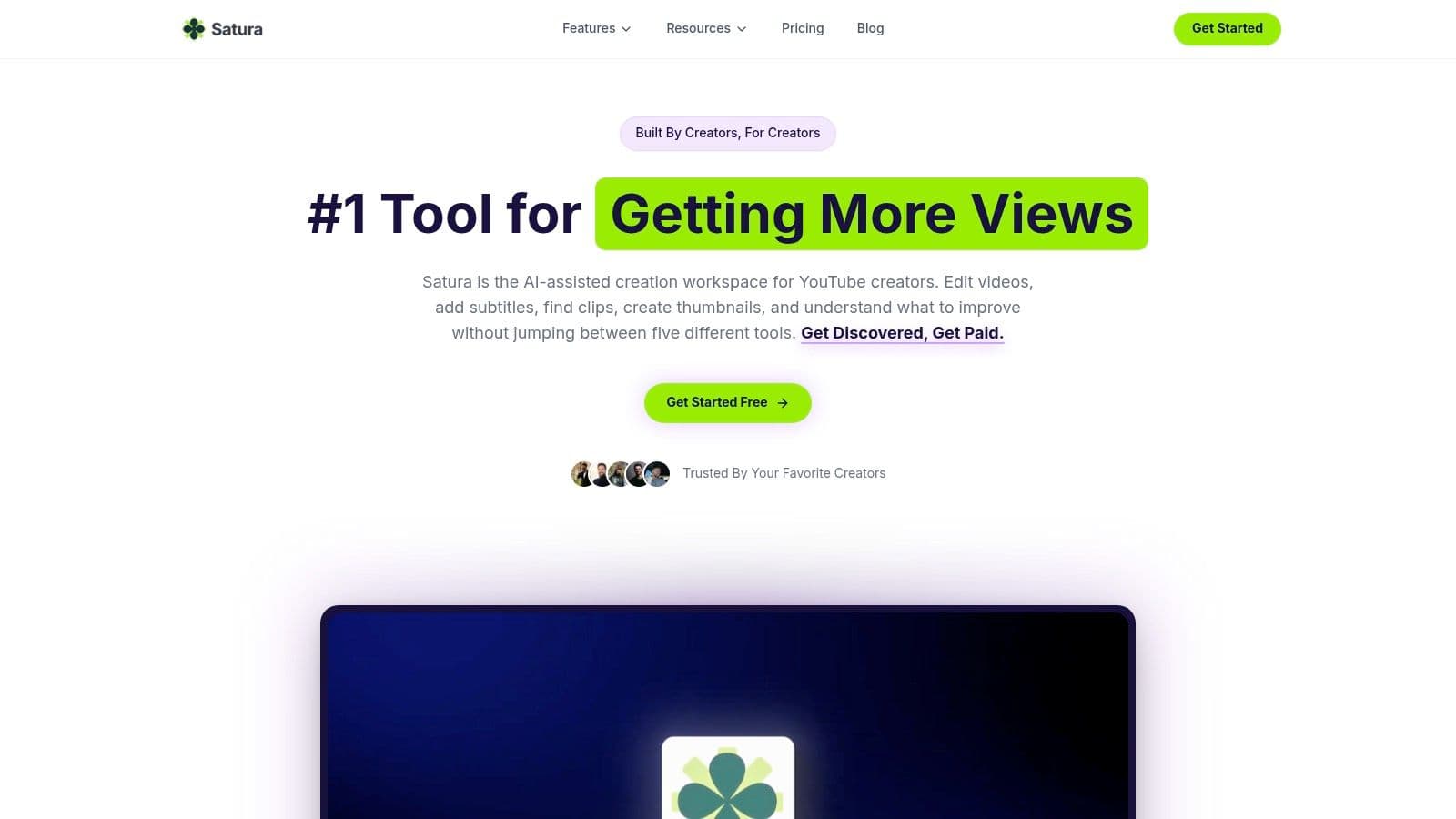
The editor is the first reason it gets attention. You can trim, arrange, polish, and export in a pro-grade browser editor without downloads or watermarks, then move straight into AI tools like AutoClip, smart cutting, speech enhancement, quick subtitles, transcription, voiceovers, thumbnails, and upscaling. That matters if you're working from raw footage, imported YouTube or TikTok links, or a pile of long-form material that needs turning into short-form output fast.
Why Satura AI feels different in practice
Most creator tools stop at production. Satura pushes into performance, with Trustscore analytics, Growth Coach, and Virality Lab translating hook strength, swipe ratio, retention, share rate, and upload consistency into plain-English feedback. That's useful because YouTube Studio shows you the metrics, but Satura is built to help you act on them faster, which lines up with the broader reality that YouTube success depends on rapid feedback loops, not just publishing videos (YouTube Studio analytics).
Practical rule: if you're a solo creator or a small team, the real win isn't a slightly nicer editor, it's cutting the number of places you have to think.
Satura also leans into experimentation. Its Creative Library, Clip Finder, AI Lab, and video generation tools help you move from idea to clip to package without jumping between apps. The platform's biggest advantage is that it replaces the awkward “edit here, research there, test somewhere else” routine with one working space.
Pros
Cons
Website: Satura AI
- All-in-one workflow: editing, clipping, thumbnails, subtitles, transcription, and growth analytics in a single browser workspace.
- Fast browser editor: free, no downloads, no watermarks, and built for speed.
- Growth-first tools: Trustscore, Growth Coach, and Virality Lab help diagnose what's holding a video back.
- Flexible entry: free access plus credit-based plans for scaling.
- Usage can scale with credits, so heavy editors should watch ongoing cost.
- Browser-based limits still matter for huge or highly complex projects.
2. YouTube Studio
A creator can get by with a lot of apps, but YouTube Studio is the one tool that should stay installed. It is the official control room for the channel, and it is where uploads, comments, monetization status, and feature access all live in one place.
The analytics tab is the main reason to use it. You can review subscribers, views, likes, comments, shares, watch time, audience geography, traffic sources, top Shorts, and your best-performing videos or live streams. You can also check recent views, audience demographics, and where your audience is coming from, which gives you first-party numbers instead of guesses. For creators who want to make decisions from actual channel data, this is the starting point.
The official dashboard handles the routine work
YouTube Studio also covers feature eligibility, channel settings, and access to standard, intermediate, and advanced features (feature access tiers). That makes it more than a place to check stats. It becomes part of the day-to-day workflow, especially once the channel starts to grow and more settings matter.
The monetization tab deserves the same attention. YouTube's Partner Program has clear requirements, including 1,000 subscribers plus either 4,000 valid public watch hours in the last 12 months or 10 million valid public Shorts views in the last 90 days, along with policy compliance, country eligibility, no active strikes, 2-Step Verification, and advanced features access (YPP requirements). That is the kind of checklist you want in the official app, not scattered across notes or third-party tools.
YouTube Studio is strongest as a base layer. It will not replace an editor, a thumbnail tool, or a growth platform, but it gives you the channel truth in one place and on mobile when you need it. I treat it as the dashboard that everything else plugs into, whether the rest of your stack is specialized tools or a consolidated platform such as Satura AI for creators who want fewer moving parts.
Pros
Cons
Website: YouTube Studio
- Accurate first-party analytics and monetization controls
- Reliable mobile management on the go
- Direct access to comments, metadata, and feature status
- Limited creative editing
- Deeper title and thumbnail testing usually needs add-ons
3. CapCut
CapCut is the quick-hit editor a lot of creators reach for when they need speed more than cinema. It's especially useful for Shorts, Reels, and simple social-ready cuts, which makes it a common part of a modern app for YouTubers toolkit.
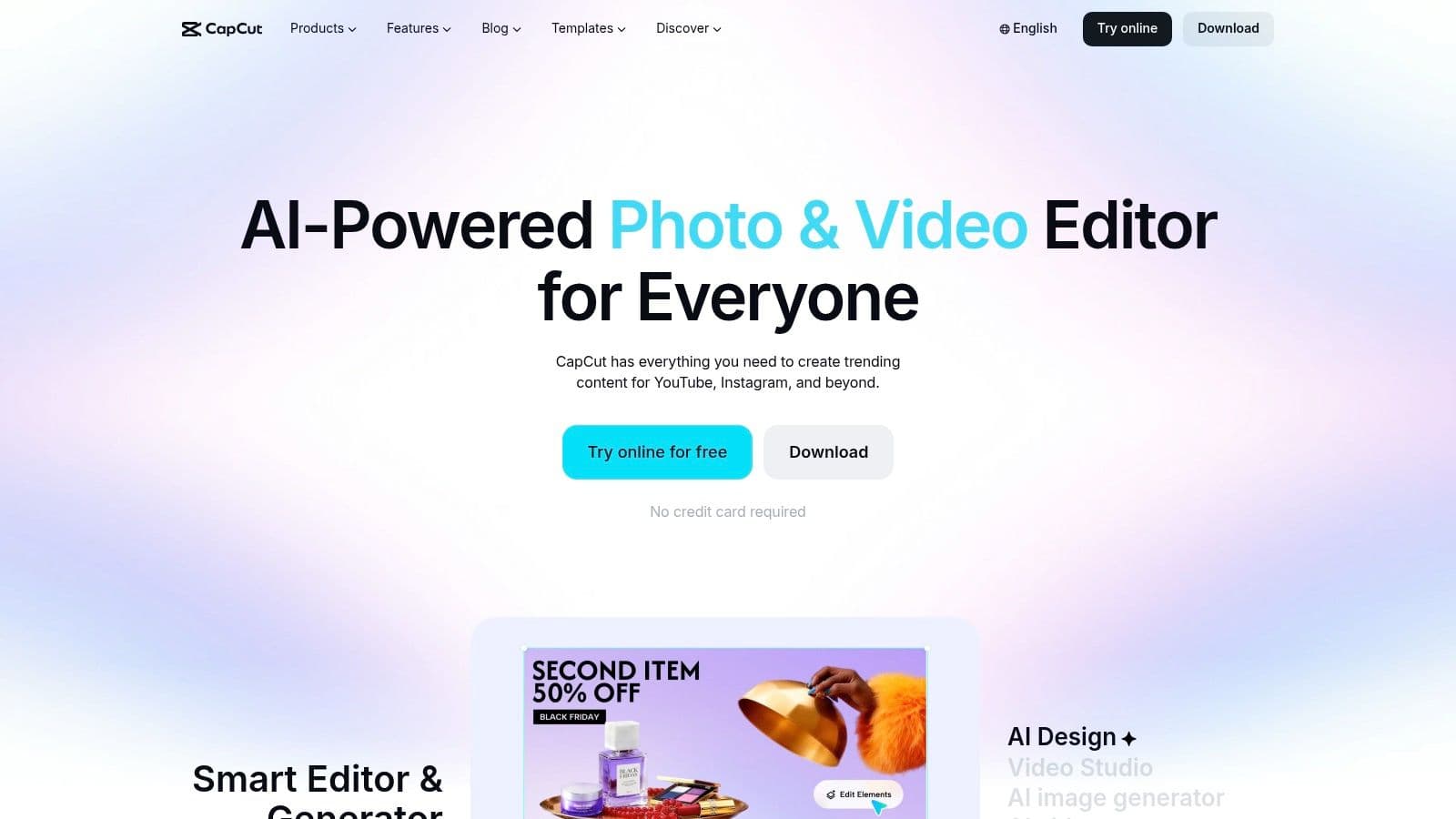
The appeal is obvious. CapCut gives you auto-captions, templates, smart cuts, transitions, overlays, and social formats like 9:16 and 1:1, plus cloud sync across devices. If your workflow is built around fast turnaround and repetitive short-form packaging, the learning curve is friendly and the free tier goes a long way.
Where CapCut fits best
It's strongest when your footage is already clear and your goal is speed. That's why a lot of creators use it for punchy edits, subtitle-heavy clips, and template-driven packaging rather than complex long-form timelines. If your channel lives on volume and fast iteration, it feels natural.
If you mostly cut talking-head clips, reaction videos, or highlight reels, CapCut is usually enough to keep moving without opening a heavier editor.
The trade-off is consistency and depth. Some assets and advanced features sit behind CapCut Pro, and auto-caption accuracy can still miss the mark, which is common across automatic speech tools. That's not a dealbreaker, but it means you still need to review captions before posting, especially on videos where clean subtitles matter.
For creators comparing clip-first tools, the practical choice comes down to whether you want a simple, affordable editor or a broader AI workspace. If you're considering a more integrated system, this CapCut alternative is worth comparing against your current stack.
Pros
Cons
Website: CapCut
- Fast learning curve for Shorts workflows
- Strong free tier
- Good for social-ready formats
- Some features are paywalled
- Caption accuracy still needs human review
4. Descript
Descript is built for people who think in words first and visuals second. That makes it a favorite for talking-head creators, educators, podcasters, and anyone repurposing long recordings into something tighter.
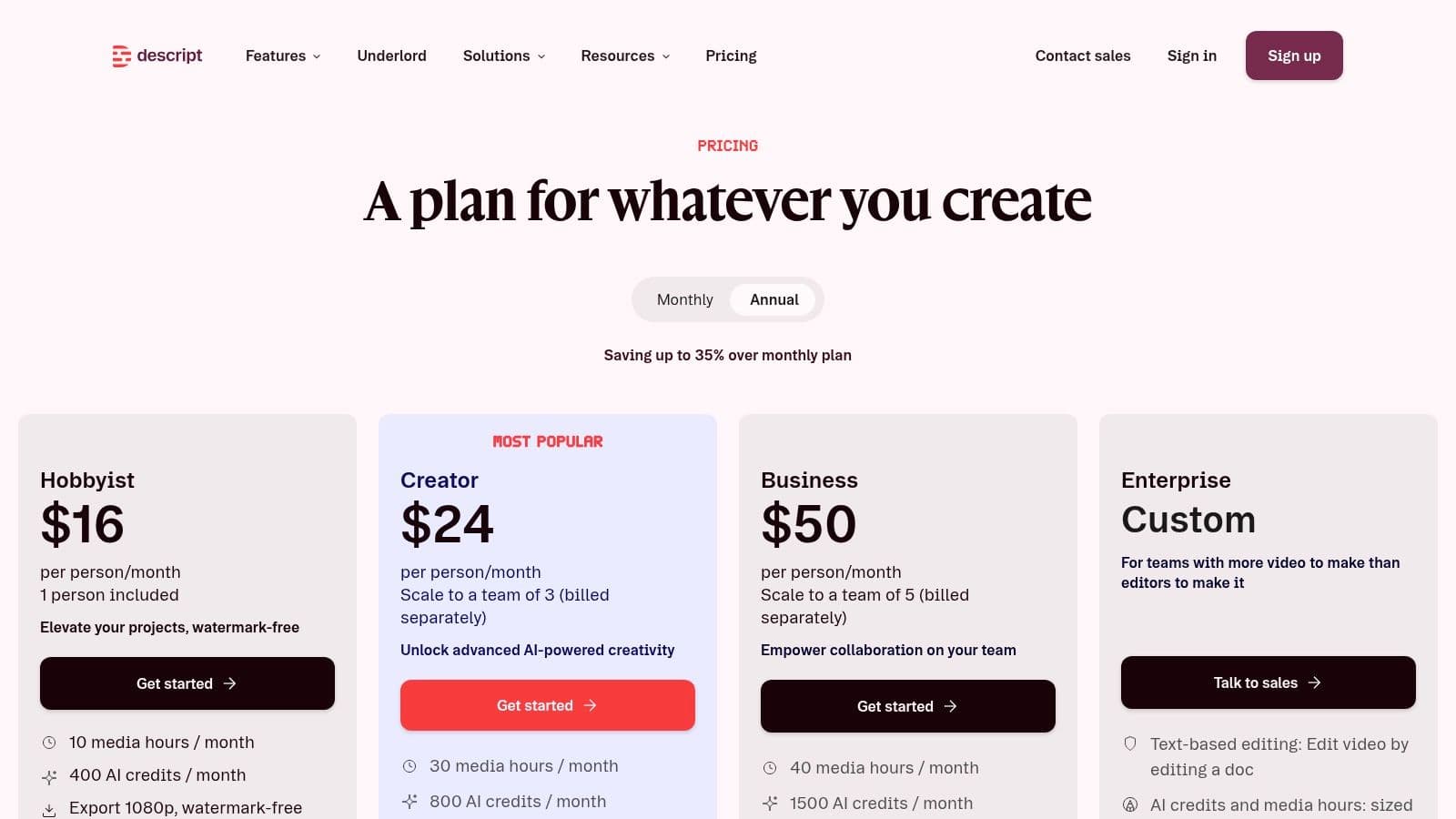
The core trick is simple: edit the transcript, and the video changes with it. That saves a huge amount of time when the problem is dialogue cleanup, filler words, or reshaping a rambling recording into something publishable. Add screen and webcam recording, Studio Sound, audio cleanup, multicam support, subtitling, templates, and AI voice tools, and it becomes a very practical studio for explanatory content.
Why transcript editing changes the workflow
When the content is mostly speech, traditional timeline editing is often overkill. Descript lets creators work faster by fixing the script instead of scrubbing frame by frame, which is a cleaner fit for interviews, tutorials, course content, and podcast video.
Best use case: long recordings with lots of spoken content and only moderate visual complexity.
The downside shows up when the project needs more visual control. Descript is not the place for heavy motion graphics, layered compositing, or elaborate effects work. AI minutes and usage caps also vary by tier, so teams that lean hard on voice and transcription need to check what their plan allows before building around it.
That trade-off is fair. Descript isn't trying to be a full film editor, and it doesn't need to be. It wins by removing friction from content that lives or dies on dialogue, pacing, and clarity.
For creators comparing script-based editors, this Descript alternative is the right benchmark if you want editing plus more direct growth tooling.
Pros
Cons
Website: Descript pricing
- Very fast for dialogue-heavy editing
- Strong collaboration for small teams
- Great for repurposing long recordings
- Usage caps depend on tier
- Less flexible for complex visual work
5. DaVinci Resolve
DaVinci Resolve is the serious editor on this list, the one you pick when color, audio, and motion graphics matter as much as the cut. For YouTubers who want a pro-level non-linear editor without subscribing forever, it's one of the most compelling options.
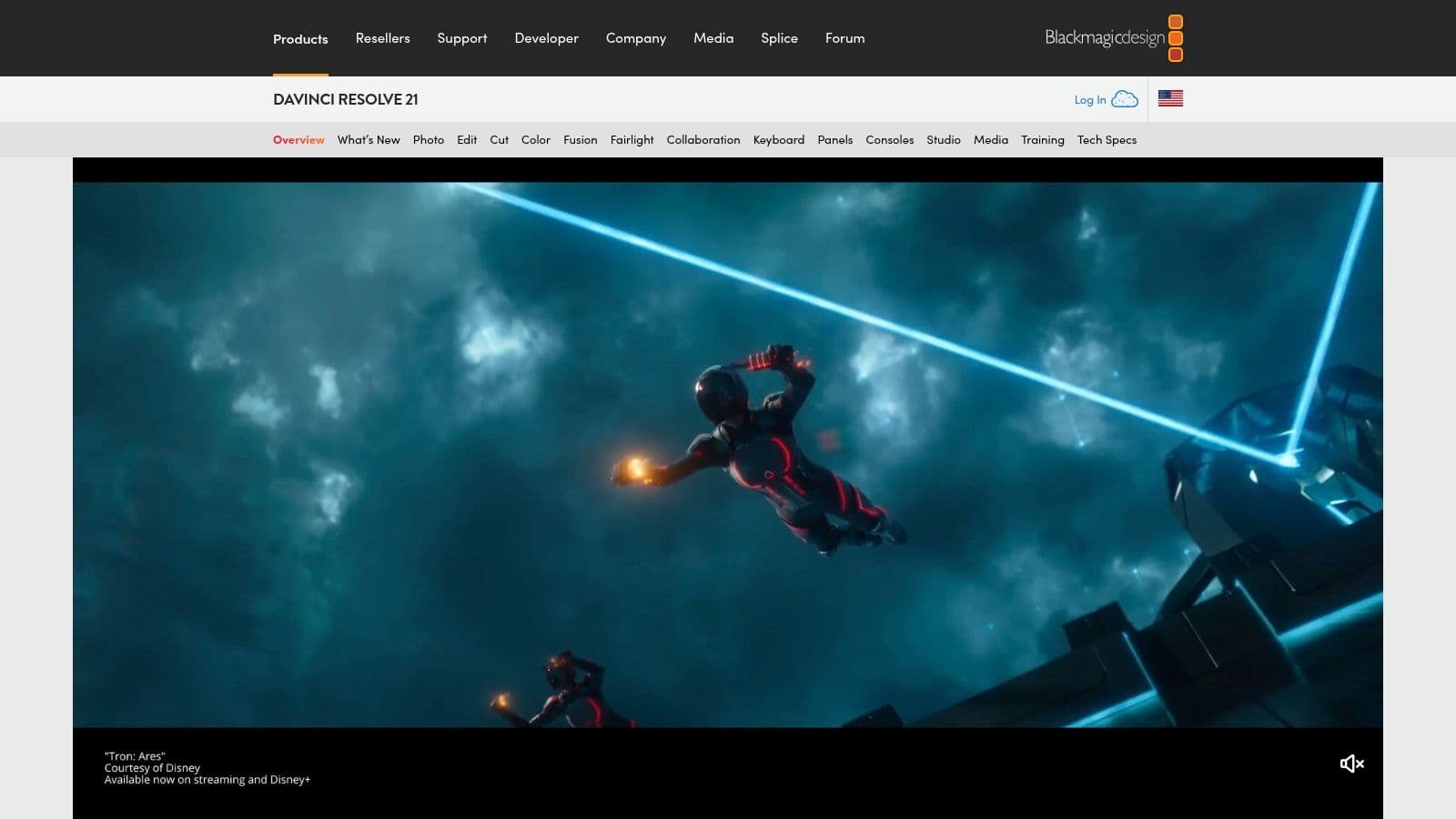
The editor is split across Cut and Edit pages, so you can move quickly or dig into detail depending on the project. Beyond that, Resolve brings industry-leading color tools, Fusion for node-based VFX and motion graphics, and Fairlight for multitrack audio and dialogue repair. That combination is why creators outgrow lighter apps and land here.
The trade-off is control for complexity
Resolve gives you depth, and depth always asks for learning time. If your workflow is mostly fast shorts or talking-head uploads, it can feel heavier than you need. If you care about visual polish, cinematic grading, cleaner audio, or building repeatable high-end production, it starts to feel like the right home base.
The free version is strong enough for a lot of creators, which is a big reason it has stayed relevant. If you do upgrade, the Studio license is a one-time purchase model instead of another monthly bill, and that matters for long-term budgeting.
Resolve is the tool you buy when you'd rather learn one serious editor than keep paying for three lighter ones.
It's also a better fit for teams that want one place to handle finishing work from start to finish. The system requirements can be heavier, especially once you lean on Fusion or AI features, but the payoff is control over every part of the video.
Pros
Cons
Website: DaVinci Resolve
- Excellent color tools
- Very capable free version
- One-time Studio license model
- Steeper learning curve
- Heavier system demands for advanced features
6. TubeBuddy
TubeBuddy lives inside YouTube instead of around it, which is why so many creators keep it around for SEO and packaging tasks. It's a browser extension and toolkit built to make the repetitive parts of channel management less painful.
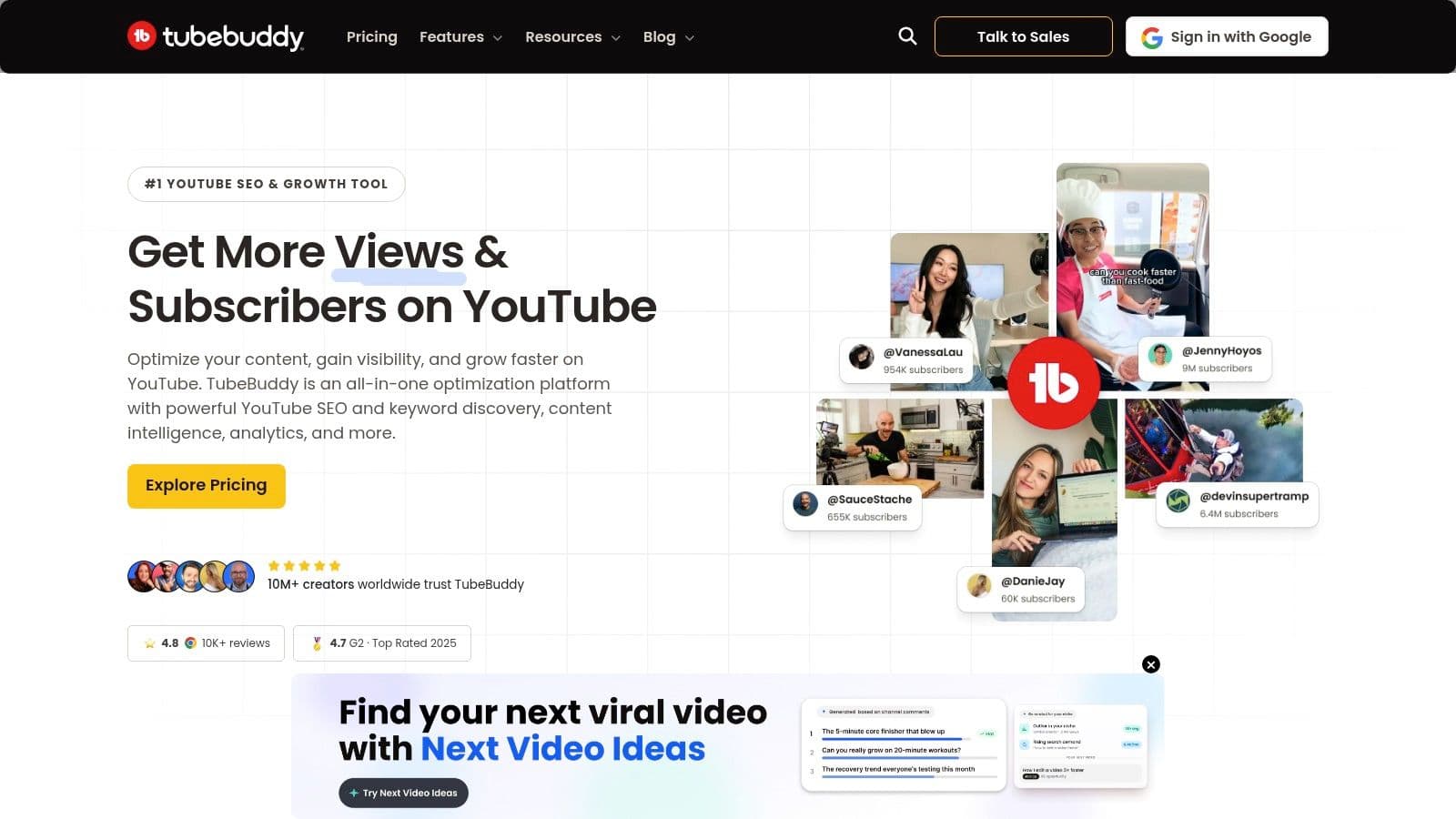
The useful part is how closely it sits to YouTube Studio. Keyword research, tag suggestions, bulk cards, end screen templates, upload defaults, comment moderation, and canned replies all plug into the workflow where you already work. That makes it less of a separate app and more of an enhancement layer.
What are the common questions?
What is the short answer for Best App for YouTubers in 2026: Ultimate Toolkit?
Discover the best app for YouTubers in 2026. Streamline editing, analytics, and growth with our top picks. Boost your channel today!
What should creators do first?
Clear licensing for YouTube creators
Who is this guide for?
This guide is for YouTube creators, faceless channel operators, agencies, and teams using AI tools to improve video production and growth.
Action checklist
Apply this to your channel today.
- 1Clear licensing for YouTube creators
- 2Large, consistent library
- 3Good search and discovery tools
- 4Subscription cost
- 5Higher plans matter more for commercial work
Sources & methodology
- Satura editorial guide based on the source video, topic cluster, and article sections.
- Source video reviewed for this article: https://www.outrank.so/