What is the quick answer?
Learn how to send a video through text message without losing quality. Our guide covers iMessage, Android, compression tricks, and when to use a link.
Key takeaways
- Why Sending Videos Through Text Is So Frustrating
- Your video is bigger than texting was built for
- You usually have two choices
- The Easy Way That Sometimes Works
- When the happy path works
- Where it falls apart
Overview
You shoot a quick video. It looks great in your camera roll. You tap send, wait a second, and one of three things happens: it fails, it takes forever, or it arrives looking like it was filmed through a wet napkin.
That's the part most guides skip. They act like texting a video is as simple as attaching a file. Sometimes it is. A lot of the time, that “easy” method is the exact thing that ruins the clip.
If you want to know how to send a video through text message without wrecking quality, you need to think less like a phone user and more like a creator. The question isn't just “How do I send it?” It's “What survives the trip?”
Why Sending Videos Through Text Is So Frustrating
You're usually dealing with this in a real moment, not a lab test. Maybe you're sending a client proof, a product demo, a family clip, or a short teaser for social. You tap the video in Messages, add a caption, hit send, and your phone suddenly acts like you asked it to move a refrigerator through a mail slot.
That's basically the problem. Modern phones shoot huge, clean video files. Text messaging infrastructure is old, tight, and hostile to quality. Your camera is living in the present. MMS is not.
Your video is bigger than texting was built for
The mismatch starts with file size. Phones now record crisp footage by default, but standard text-based media sending was built for much smaller attachments. That's why a clip that looks ordinary in your gallery can feel impossible to send through a normal text thread.
And when it does go through, the network often squeezes it hard enough to make it look cheap.
Practical rule: If the video matters, assume direct texting is guilty until proven innocent.
You usually have two choices
Once you know the problem, the options get simpler:
Both methods have a place. One is a compromise. The other is the method people use when they care how the video looks on the other end.
That distinction matters more than most tutorials admit.
- Shrink the video until it fits: Trim it, lower the resolution, reduce the bitrate, and accept some quality loss.
- Bypass the limit entirely: Upload the original file somewhere else and text a link.
The Easy Way That Sometimes Works
If you just want the quickest path, start with the native messaging app on your phone. Sometimes that's all you need.
On iPhone, sending to another iPhone through iMessage can handle video more gracefully because it uses an internet connection instead of dropping straight into old-school carrier media handling. On newer Android phones, RCS can do something similar. It feels modern because, compared to MMS, it is.
When the happy path works
Use direct sending first if all of these are true:
In those cases, open your messaging app, attach the video, and send it normally. That's the cleanest version of how to send a video through text message.
- Both people are on compatible devices
- Both have a working data connection
- The clip is casual, not precious
- You don't care about perfect original quality
Where it falls apart
The problem is that this setup is fragile. One weak connection, one unsupported phone, one carrier handoff, and your message can fall back to MMS behavior. That's when the ugly stuff starts. Longer sends, failed sends, and visible quality loss.
If you regularly send clips for work, approvals, promos, or creator collabs, build a link-sharing habit instead of gambling on fallback behavior. If you need a clean way to package that workflow, this guide on creating a shareable video link is useful.
A video that “sent successfully” isn't the same thing as a video that arrived intact.
That's the trap. Native messaging is convenient, but convenience and fidelity are not the same thing. If the clip is disposable, fine. If the clip represents your work, direct send should be treated as a quick test, not the default professional method.
Why Direct Texting Crushes Your Video Quality
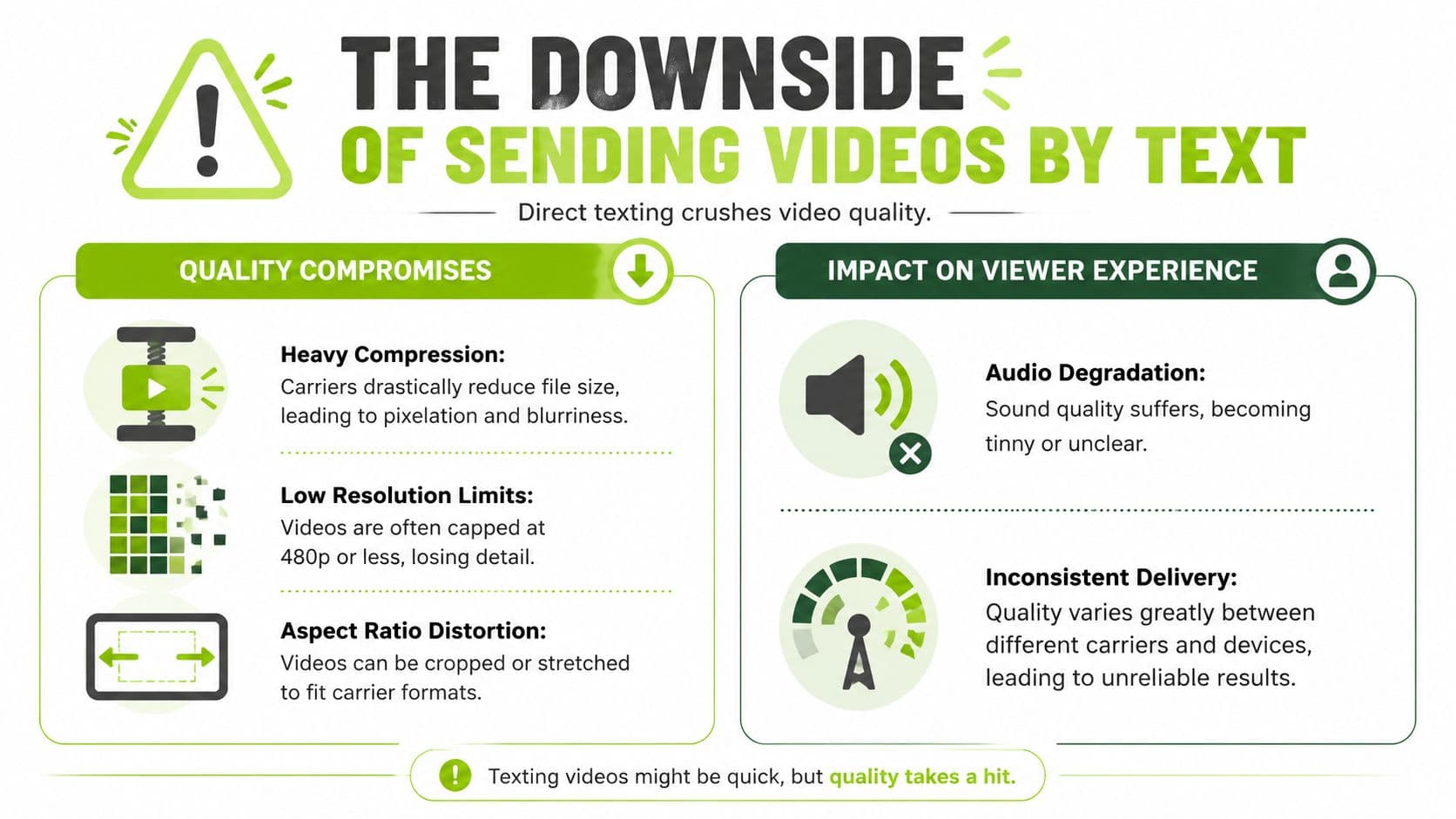
Send a sharp clip straight from your camera roll, and it can arrive looking like it was saved three phones ago. That is the part people learn the hard way.
The problem is not just file size. It is what the messaging system does to make the file fit. A modern phone records video at settings that are far larger than old carrier messaging was built to handle, so direct texting often means the video gets squeezed, resized, and re-encoded before the other person ever sees it.
Compression is usually destructive, not invisible
On paper, compression sounds harmless. In real use, it strips out the stuff people notice first. Skin texture gets smeared. Product edges lose definition. Motion turns choppy. Screen recordings become annoying fast because small text and interface details stop reading cleanly.
That is why I do not treat direct send as a professional delivery method. I treat it as a convenience option for clips that can survive looking worse on arrival.
A lot of advice online stops at "attach and send." That skips the part that determines whether your video still feels polished after delivery. Messaging apps, carriers, and fallback protocols can all alter the file, and you usually get very little control over how aggressive that process is.
What gets damaged
| Problem | What you notice |
|---|---|
| Re-encoding | Fine detail disappears and faces look waxy |
| Resolution drop | Text, products, and screen recordings become harder to read |
| Delivery path changes | One recipient gets a passable clip, another gets mush |
| Audio degradation | Voice can sound flatter or less clear |
If you need to preserve detail before sharing, quso.ai's video guide is a solid companion resource. If you want a clearer handle on what happens when export dimensions change, this explainer on resolution scaling in video exports helps.
The send button handles transport. It does not protect presentation.
That is the trap with texting video files directly. It feels native, fast, and good enough right up until quality matters. For creators, marketers, educators, and anyone sending work that reflects on them, link-sharing is not a backup plan. It is the default method when the video needs to arrive looking intentional.
Smart Compression for When You Must Send a File
Sometimes the recipient refuses links, needs the clip inside the thread, or is opening messages on a phone with locked-down app access. That is the small set of cases where file compression earns its keep.

Start with duration.
Cut the setup, the pause before the action, and the dead air after the point lands. Every second you remove gives you room to keep more detail in the parts that matter. I have had better results trimming a clip from 22 seconds to 9 than trying to force the full version through with heavy compression.
Then reduce settings in an order that protects what viewers notice:
Use a short test loop before you commit to the final export.
Do not judge the file in your editor alone. The sent version is the one that counts, and delivery can make a decent export look rough.
Field note: If the video already looks borderline before you text it, the received version usually looks worse.
- Trim first: Shorter clips survive better than longer clips crushed to fit.
- Lower resolution next: A controlled drop usually looks better than starving the file with extreme compression.
- Lower frame rate if needed: Fine for simple talking-head or product clips. Risky for sports, demos, or fast motion.
- Reduce bitrate last: Push this too far and skin texture, text, and shadows fall apart fast.
- Export the trimmed clip.
- Send it to your own phone.
- Check faces, small text, and motion.
- If it still struggles, step resolution down once and test again.
The Pro Method to Send Perfect Quality Videos Every Time
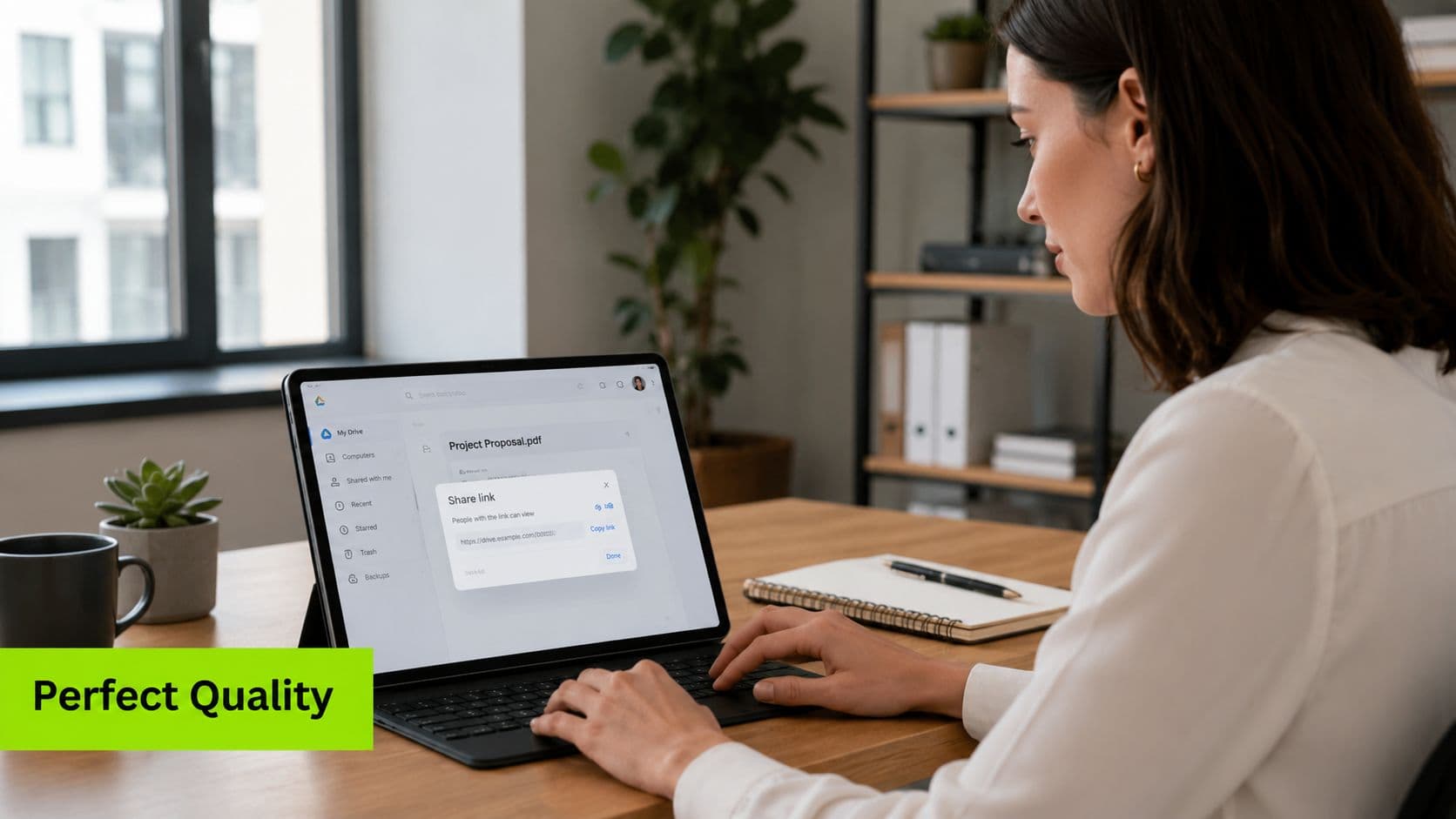
If the video matters, send a link.
That's not a workaround. It's the grown-up method. You upload the full file to a hosting service, copy the share URL, and text that link instead of the raw attachment. The carrier doesn't get a chance to crush the media because you're no longer asking the text message itself to carry the video.
What are the common questions?
What is the short answer for How to Send a Video Through Text Message the Right Way?
Learn how to send a video through text message without losing quality. Our guide covers iMessage, Android, compression tricks, and when to use a link.
What should creators do first?
Does quality matter?
Who is this guide for?
This guide is for YouTube creators, faceless channel operators, agencies, and teams using AI tools to improve video production and growth.
Action checklist
Apply this to your channel today.
- 1Does quality matter?
- 2Does the recipient need the file in-thread, or just access to the video?
- 3Am I sending this as a casual personal clip or as something professional?
Sources & methodology
- Satura editorial guide based on the source video, topic cluster, and article sections.
- Source video reviewed for this article: https://www.outrank.so/